
How to Switch Photo Modes. PHOTO ( Standard Shooting ) / HALF ( 2in1 Half-Frame ) / DOUBLE ( Double Exposure )
Date: 2025-12-26
Switch Photo Modes
screen shots
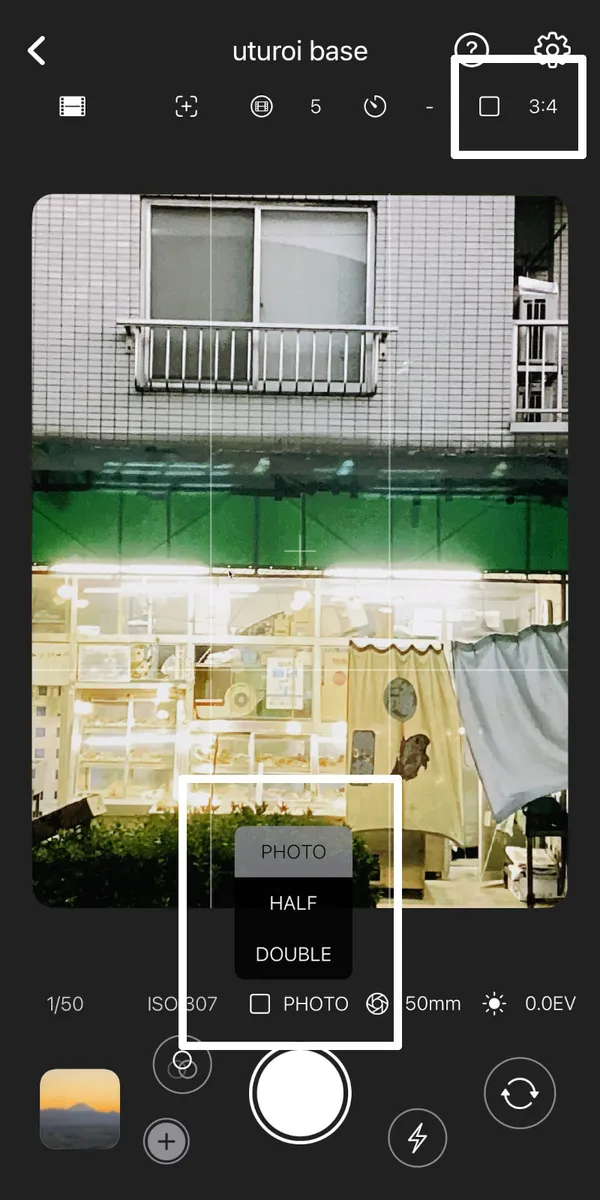
PHOTO ( Standard Shooting )
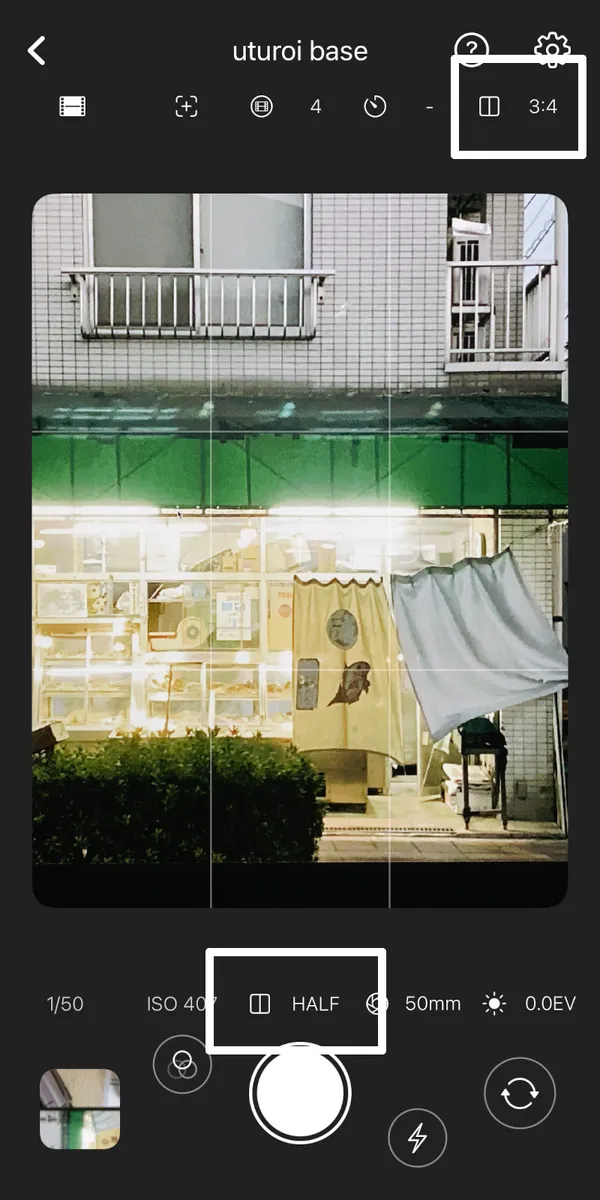
HALF ( 2in1 Half-Frame )
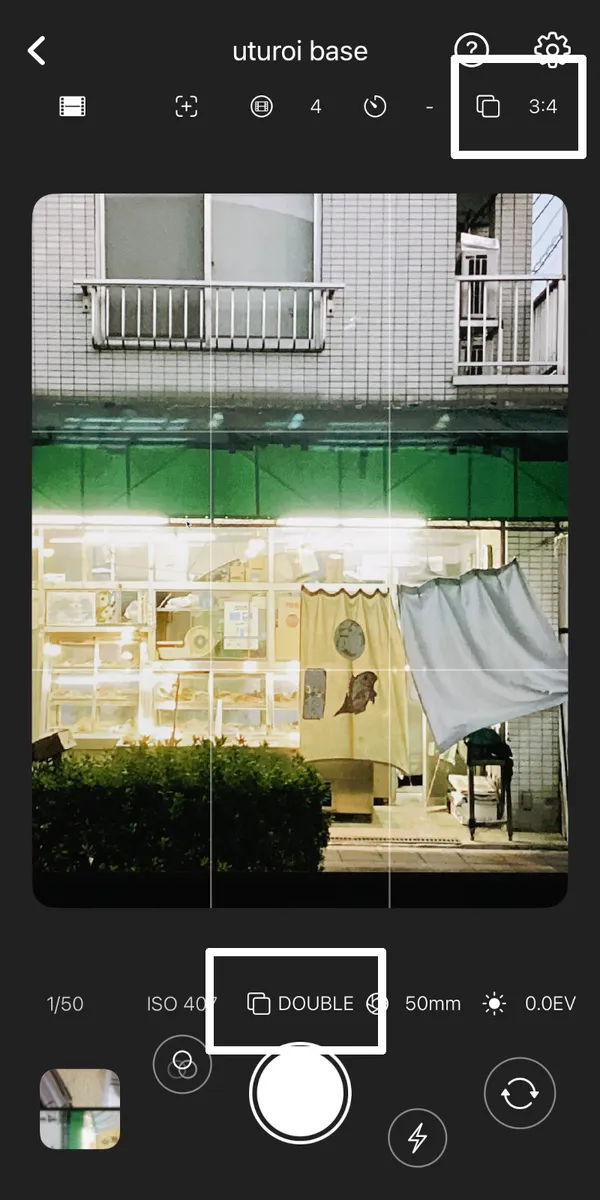
DOUBLE ( Double Exposure )
Switch Photo Modes
- Tap [PHOTO] above the shutter button to select from [PHOTO / HALF / DOUBLE].
- When [HALF] is selected, two shots are combined to create a single 2in1 photo. In [HALF] mode, the aspect ratio is fixed to 3:4. Two scenes in one frame.
- When [DOUBLE] is selected, you can perform double exposure shooting by layering two captures. Two moments in one instant.