
Import Photo and Apply Settings: Replicate Your Favorite Style Instantly
Date: 2025-12-26
Import Photo and Apply Settings
screen shots
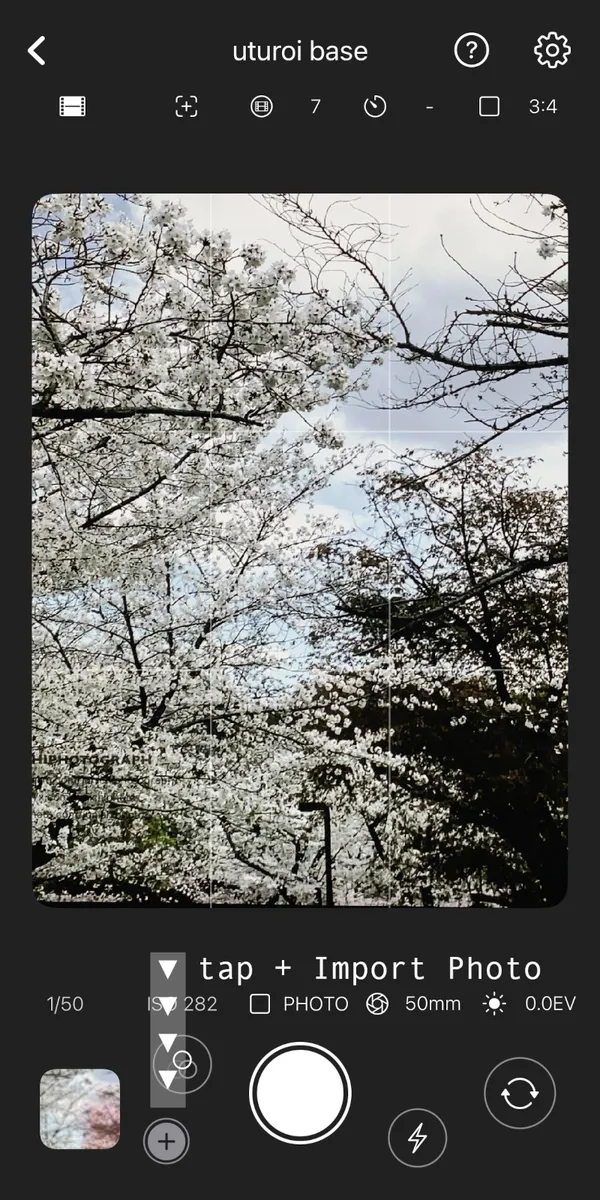
Tapping the import button in the bottom-left corner to open your photo library.
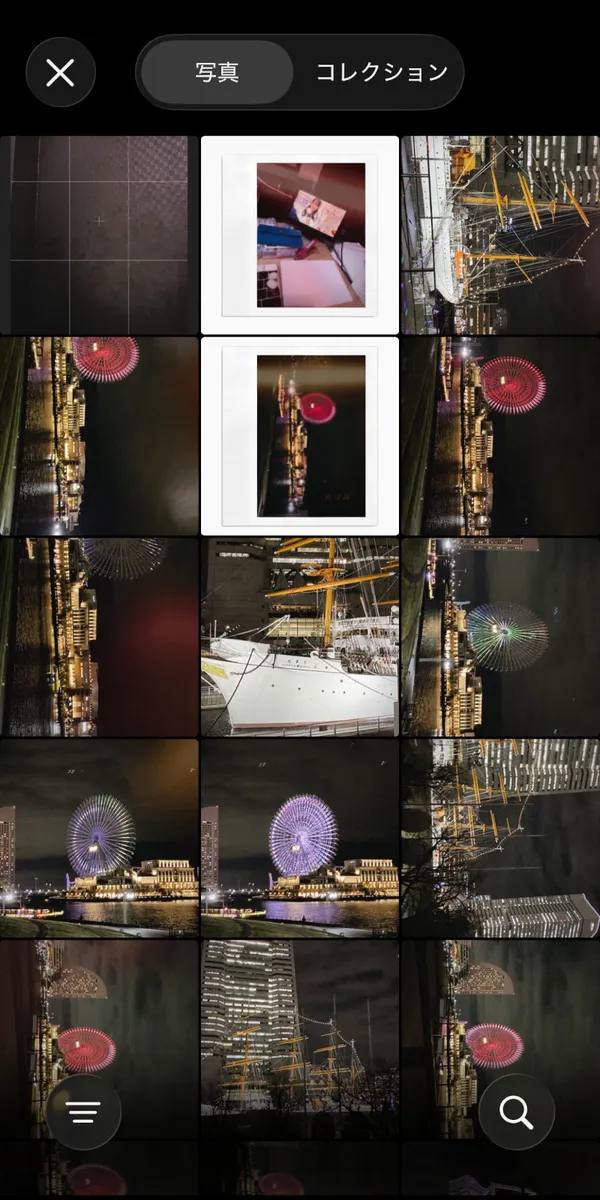
Selecting a single photo from the list to import it into the app.
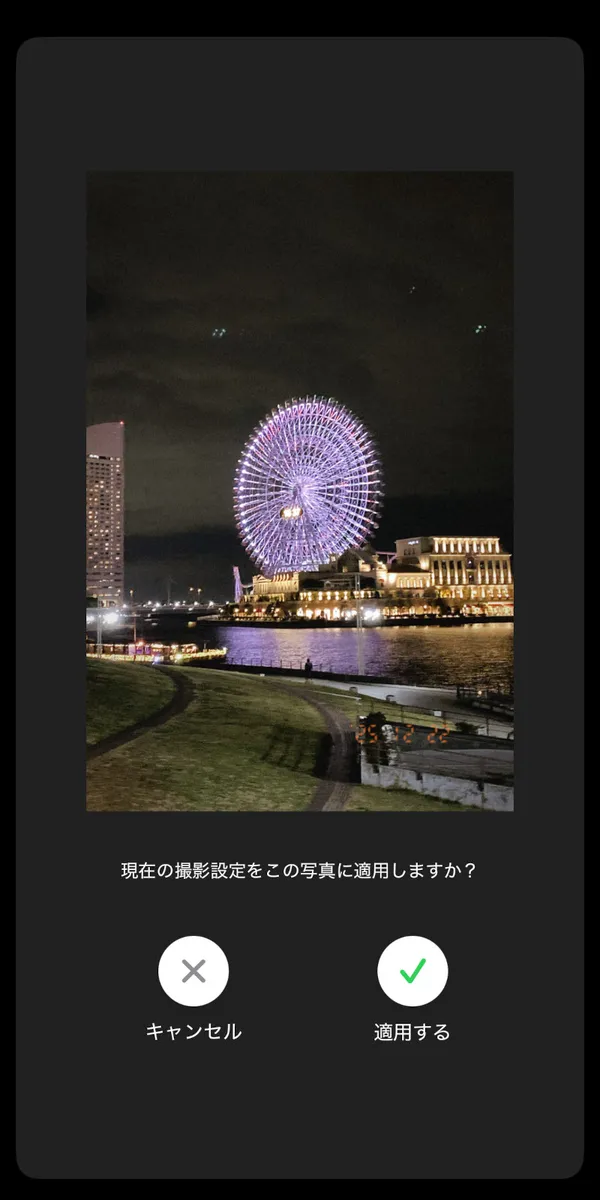
Tapping the apply button to automatically replicate the shooting settings from the photo.
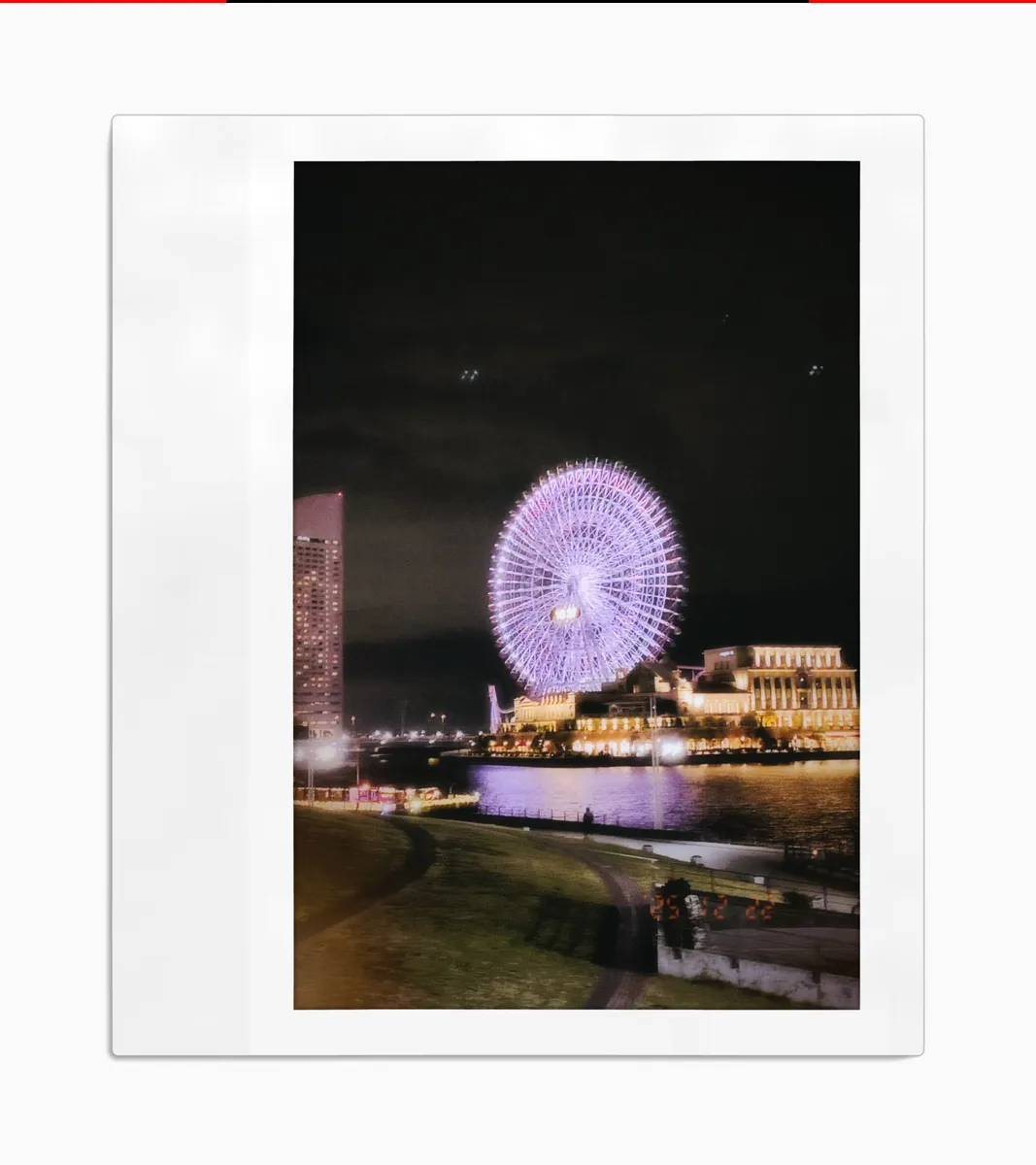
The photo is saved with the selected shooting settings successfully applied.
Import Photo and Apply Settings
- Tap the import button (plus icon) to go to the photo selection screen.
- Select a single photo from your library to import it.
- Review the photo on the confirmation screen and tap the apply button.
- The photo will be saved with the current shooting settings applied.