
Film Grain Settings - Adding texture to your light. -
Date: 2026-03-12
Grain Settings
Mastering the texture
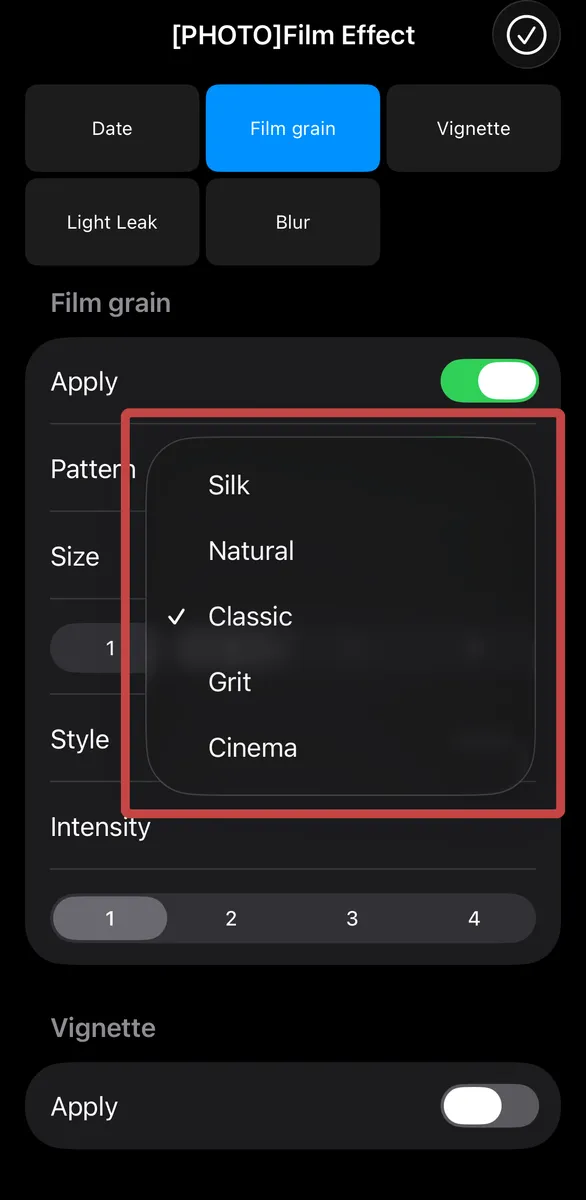
Pattern: Choose from five distinct grain shapes (Silk, Natural, Classic, Grit, Cinema).
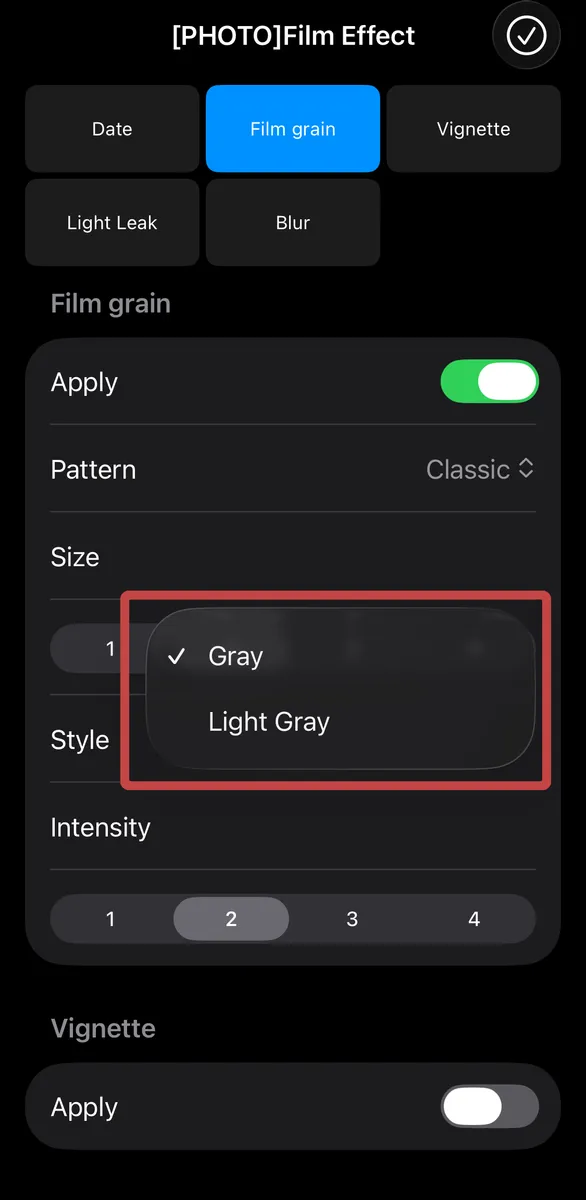
Style: Select how the grain interacts with light—subtle Gray or luminous Light Gray.
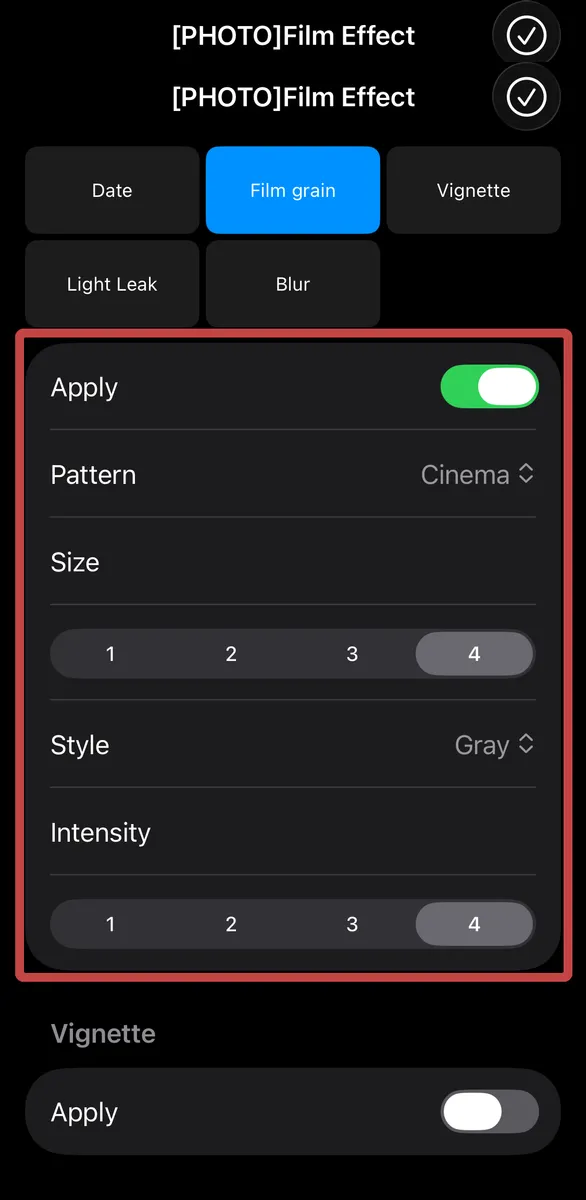
Size & Intensity
Grain Settings Details
- Pattern: Choose from five distinct grain shapes (Silk, Natural, Classic, Grit, Cinema).
- Size: Adjust the scale of the grain to balance clarity and texture.
- Style: Select how the grain interacts with light—subtle Gray or luminous Light Gray.
- Intensity: Control the density of the grain to define the overall atmosphere.
Film Grain Comparison
Samples showing size:2-intensity:2 and size:4-intensity:4 for each pattern. Since images are scaled down, please experience the true texture within the app. The first image is the standard iPhone camera; others use the 'KODAWAI' filter in umi camera.
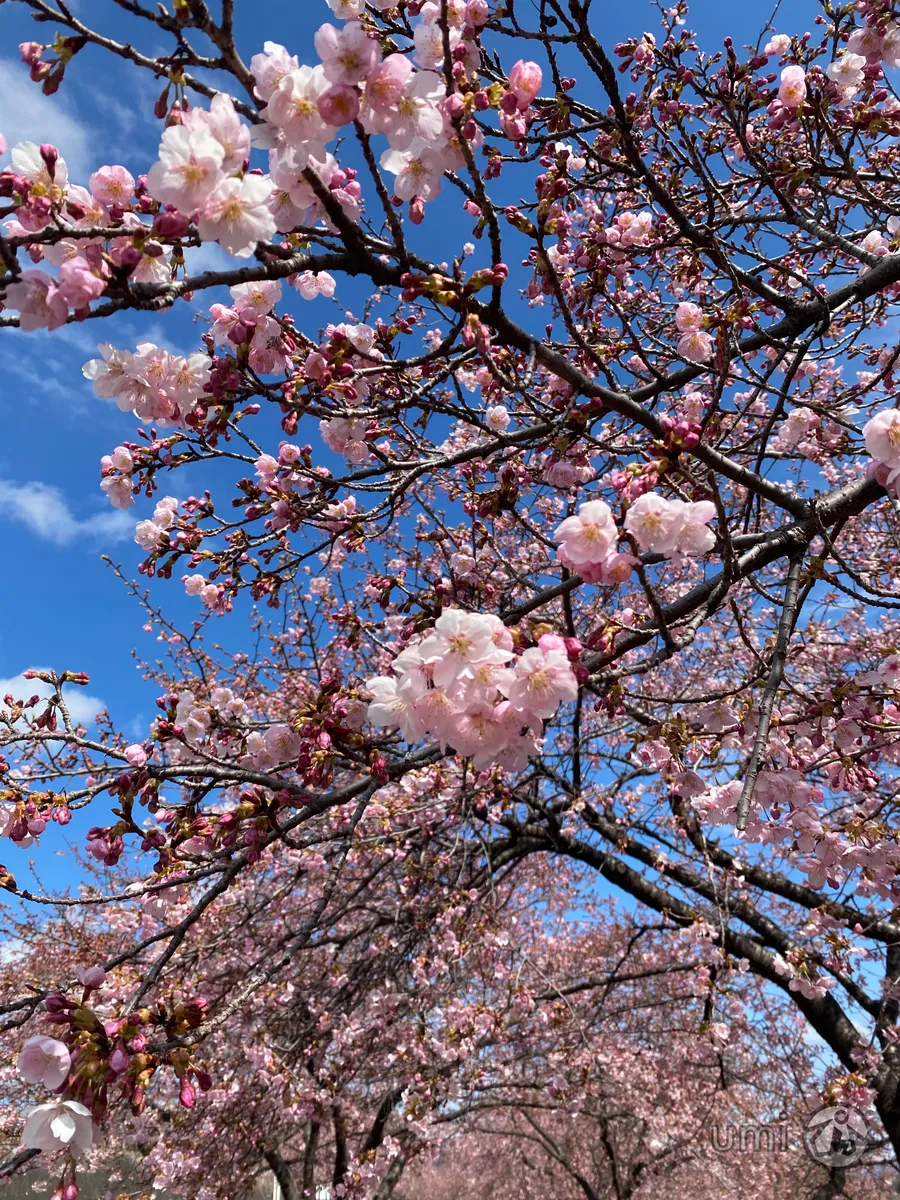
iPhone Standard Camera
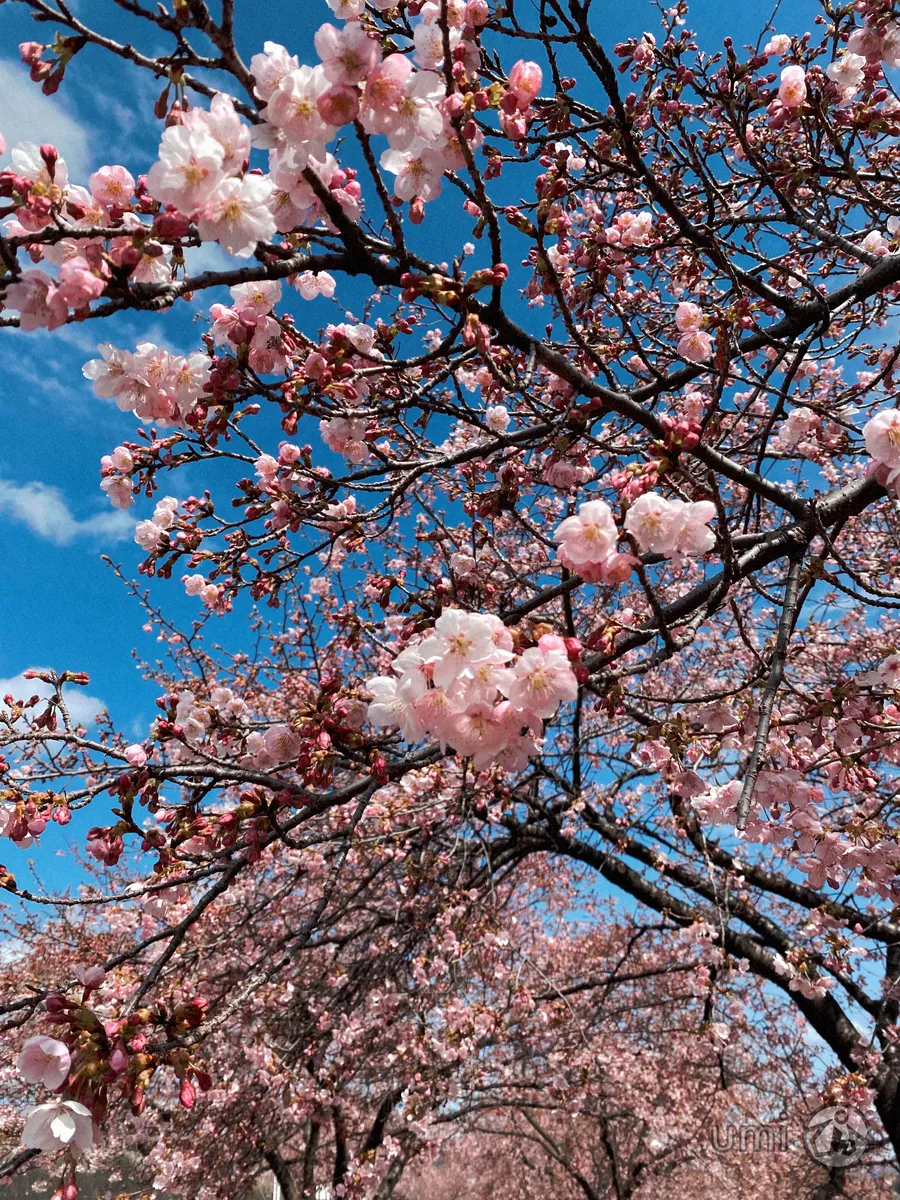
Silk 2-2
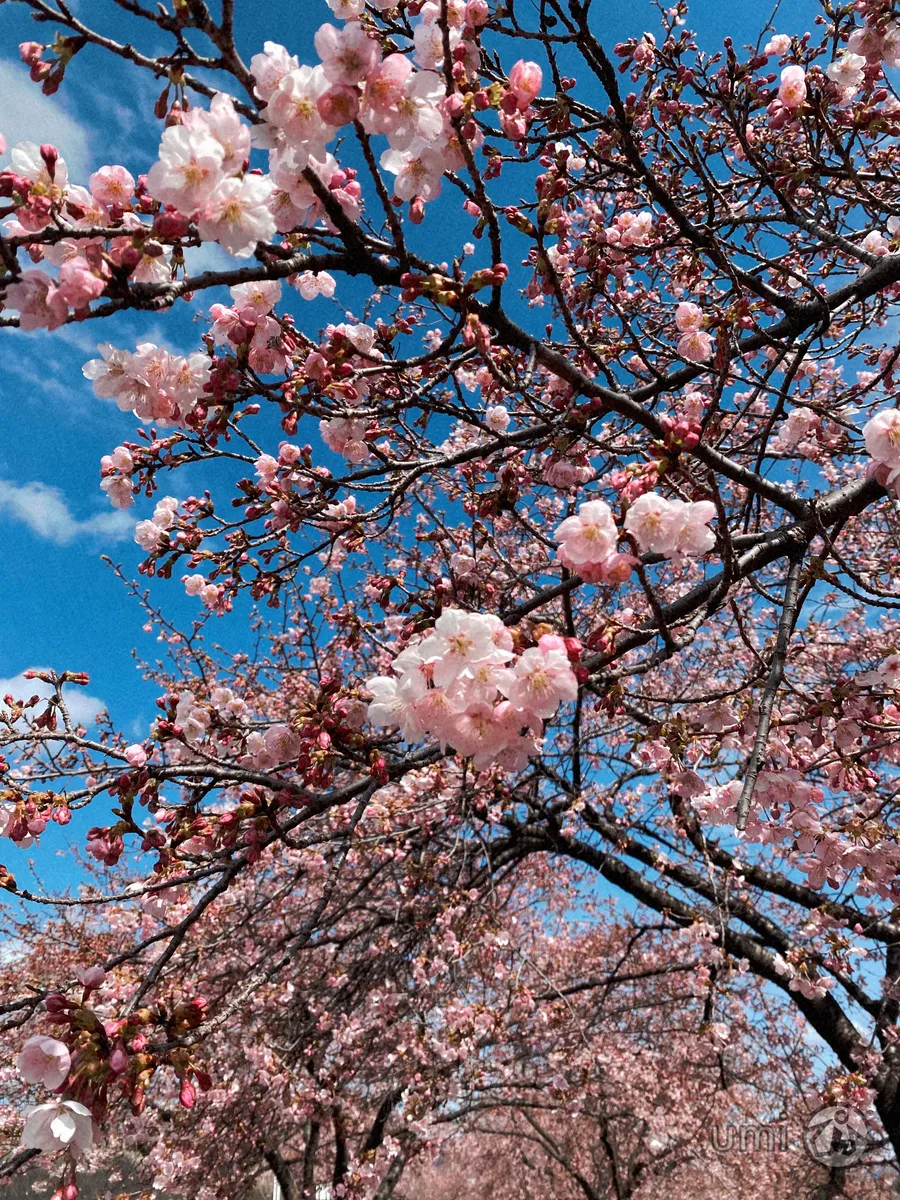
Natural 2-2
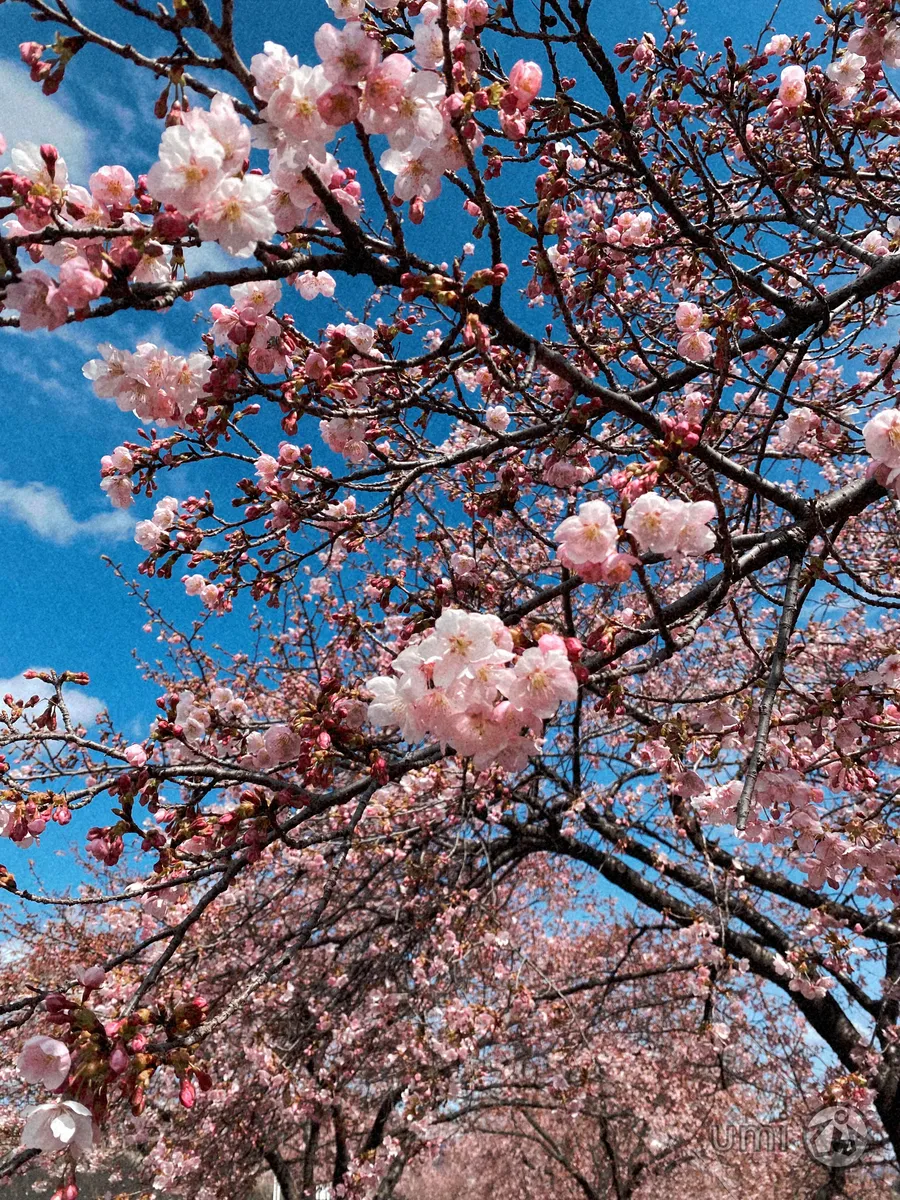
Classic 2-2
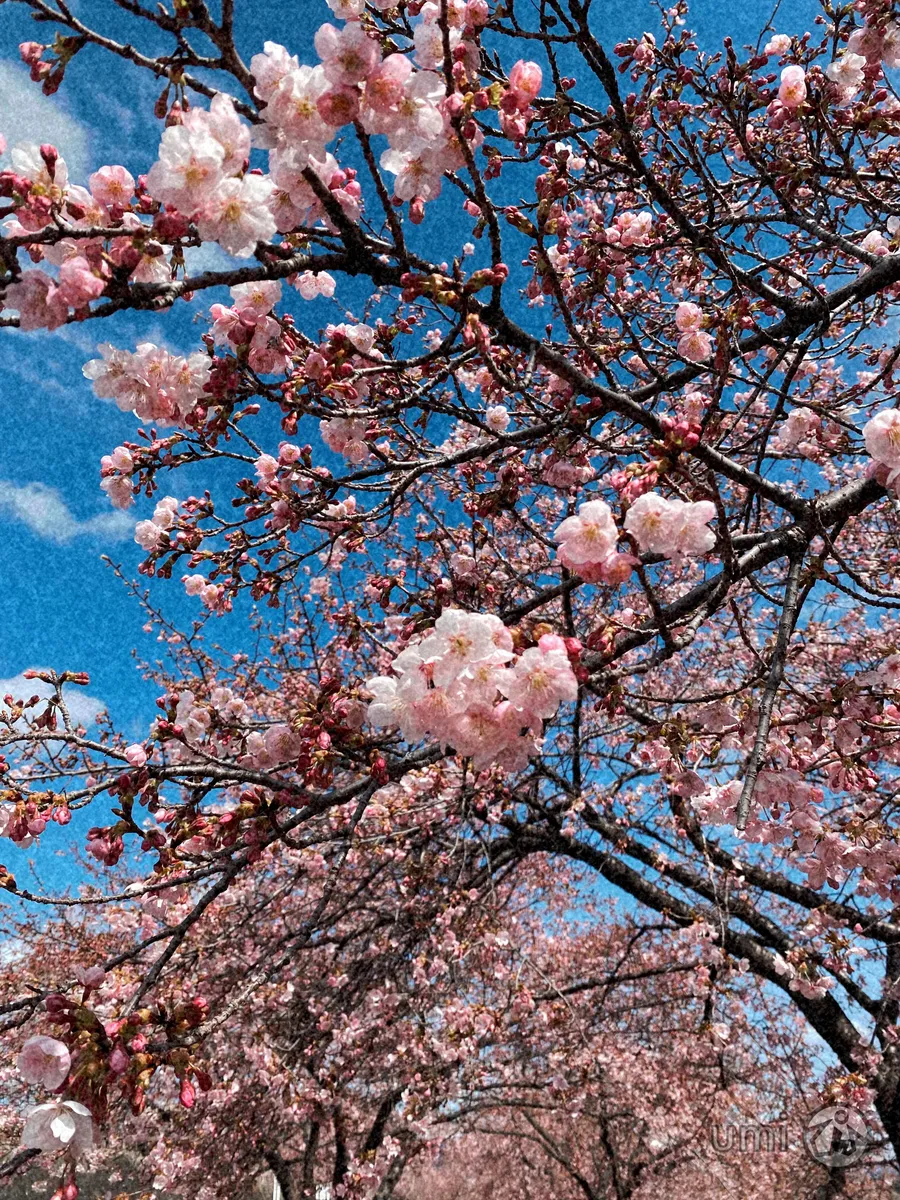
Grit 2-2
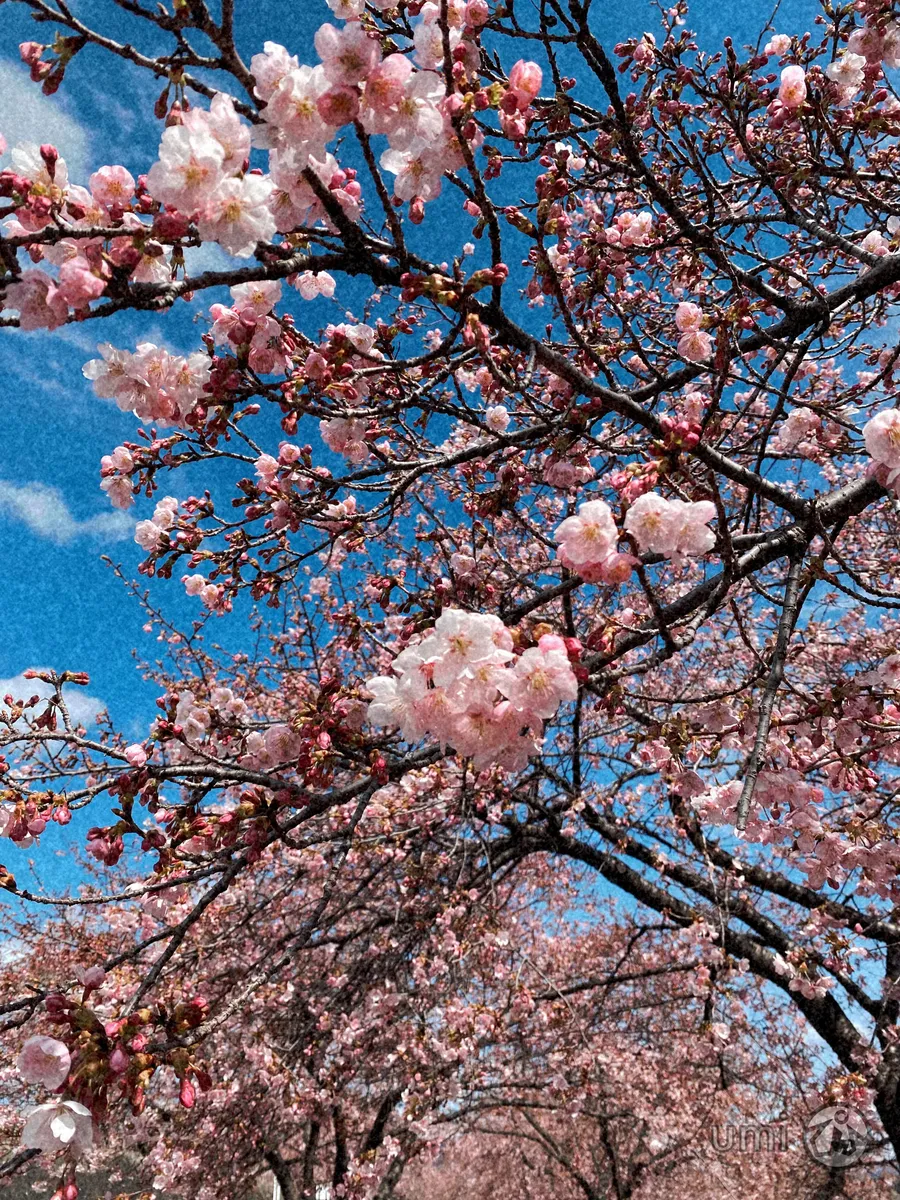
Cinema 2-2
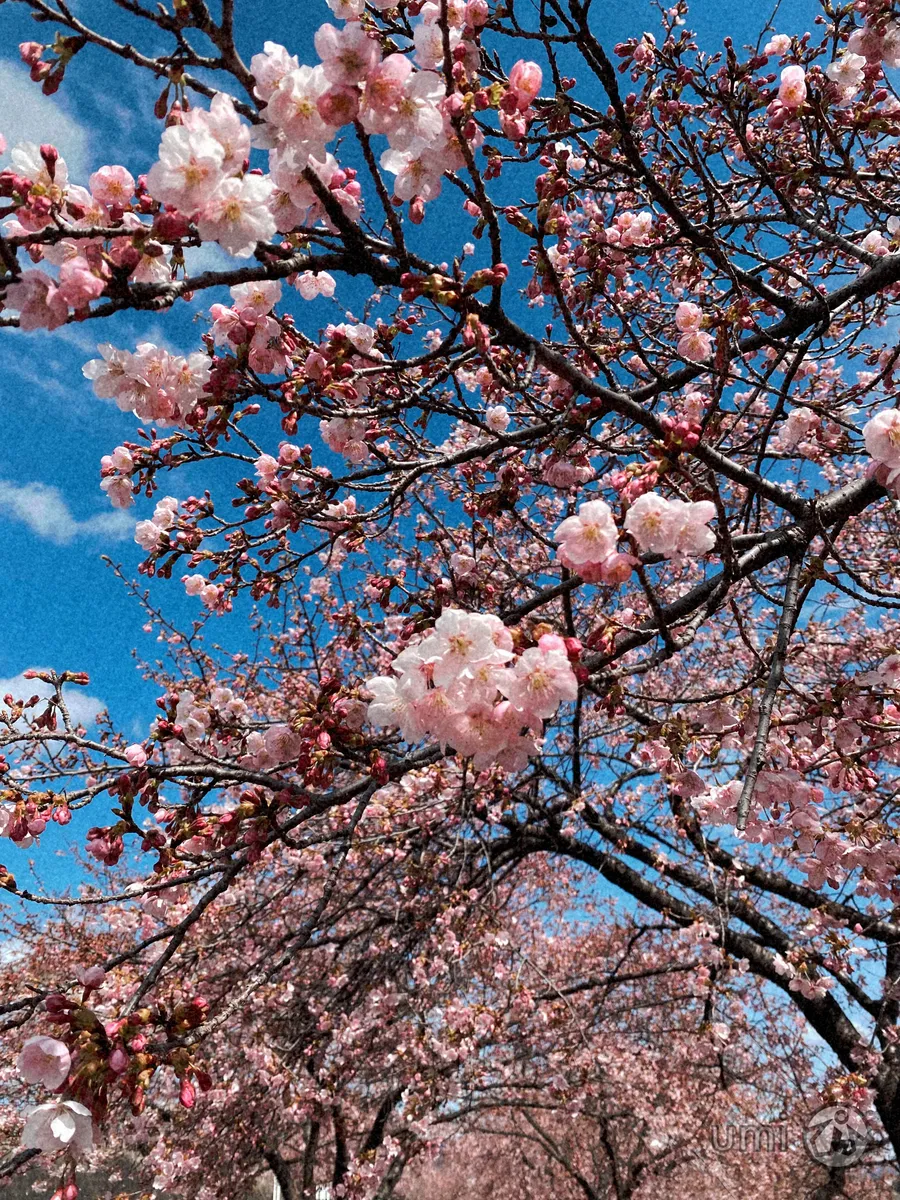
Silk 4-4
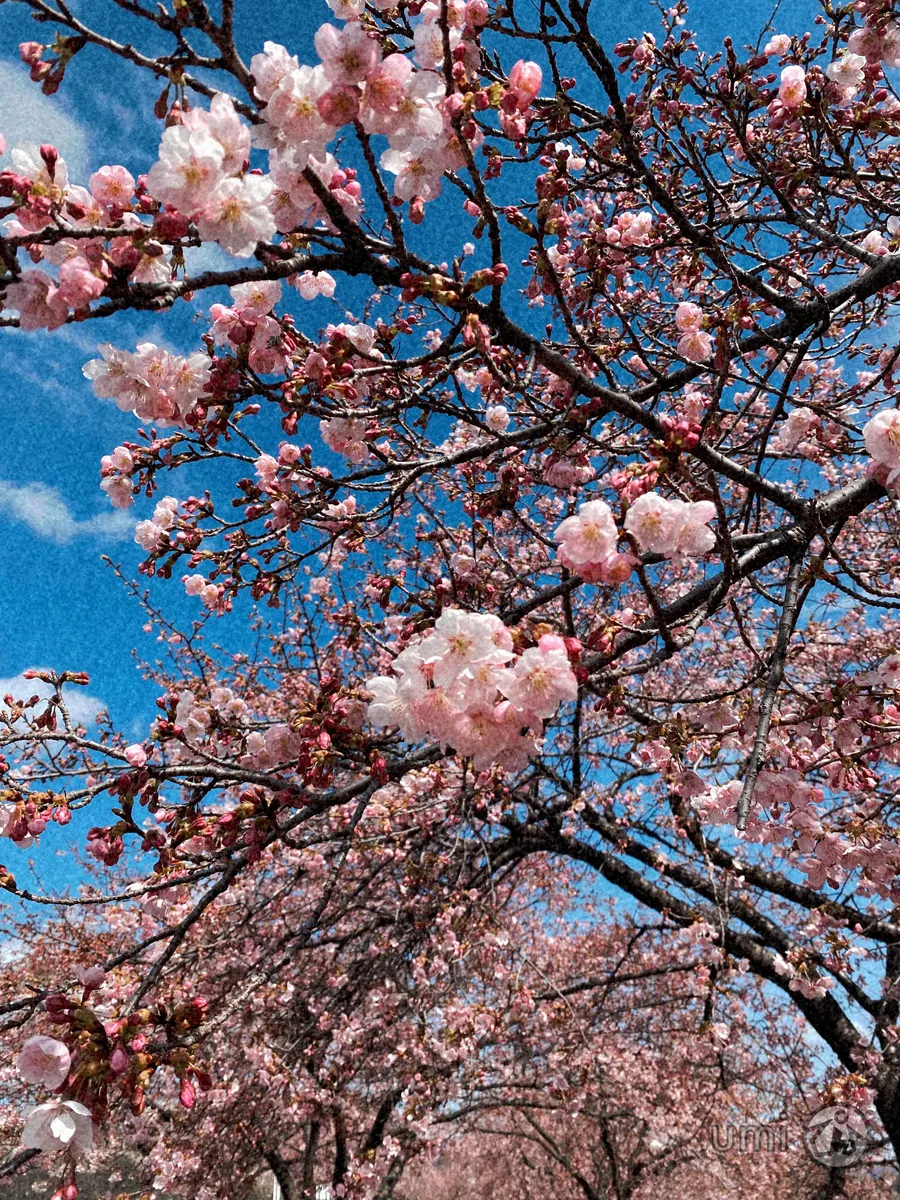
Natural 4-4
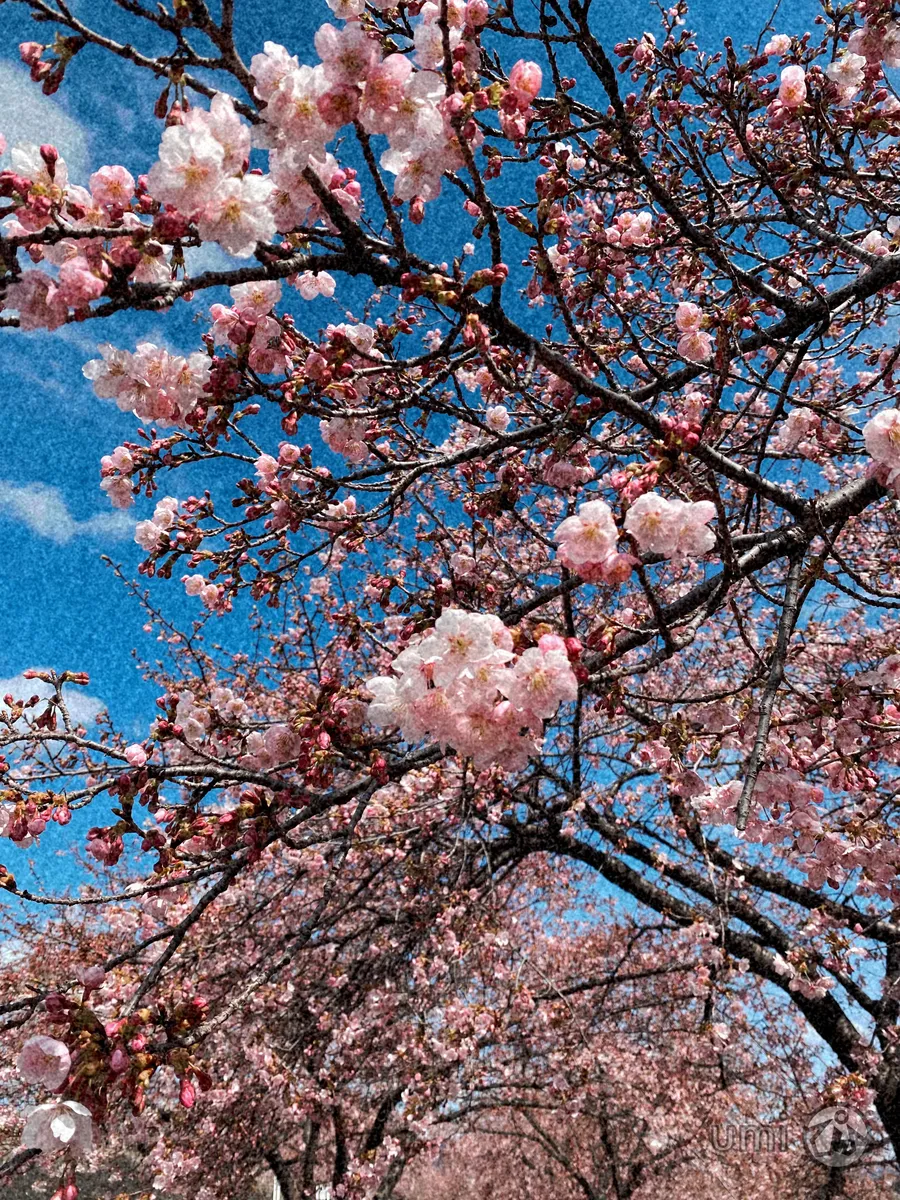
Classic 4-4
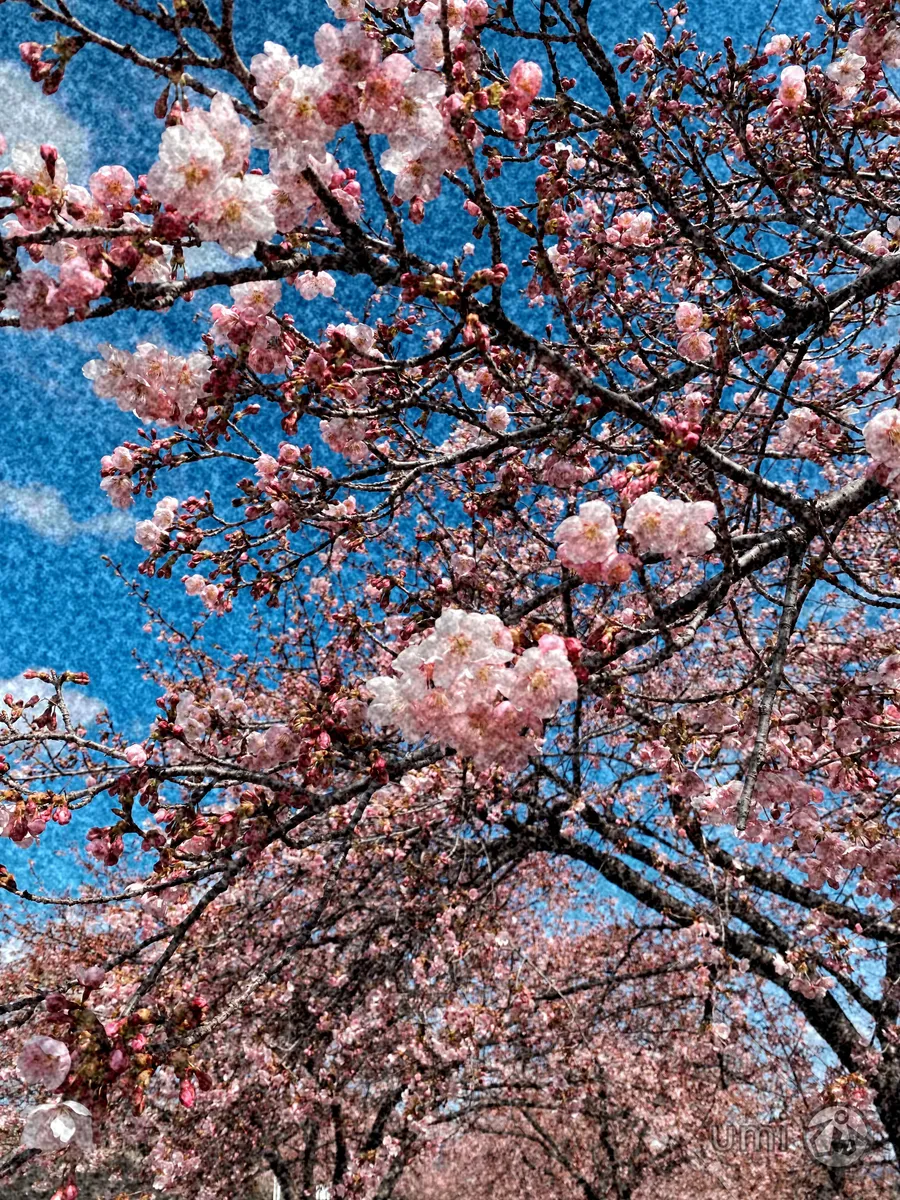
Grit 4-4
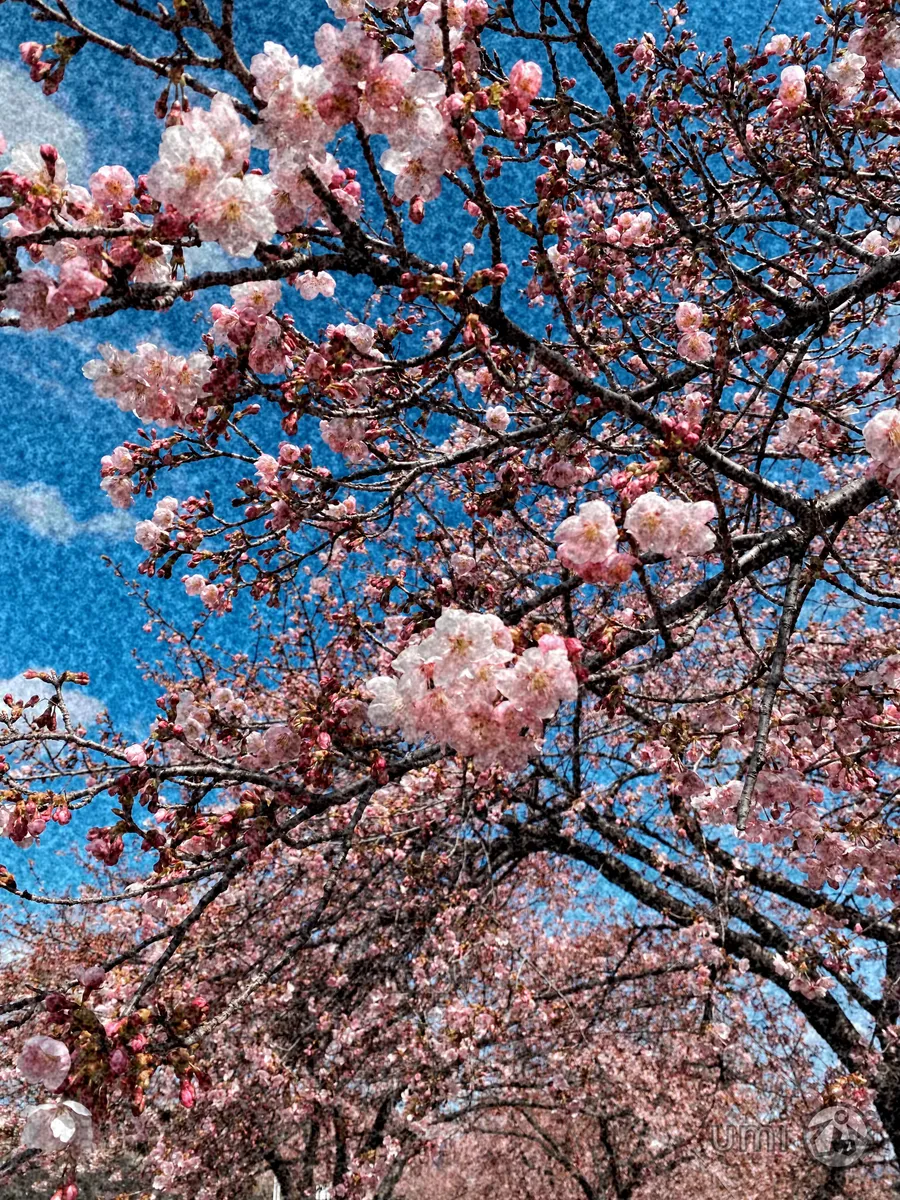
Cinema 4-4