
Film Camera Style Date Stamp: Perfect for Portrait and Landscape
Date: 2025-12-29
Date Stamp Position
screen shots | Portrait vs Landscape alignment
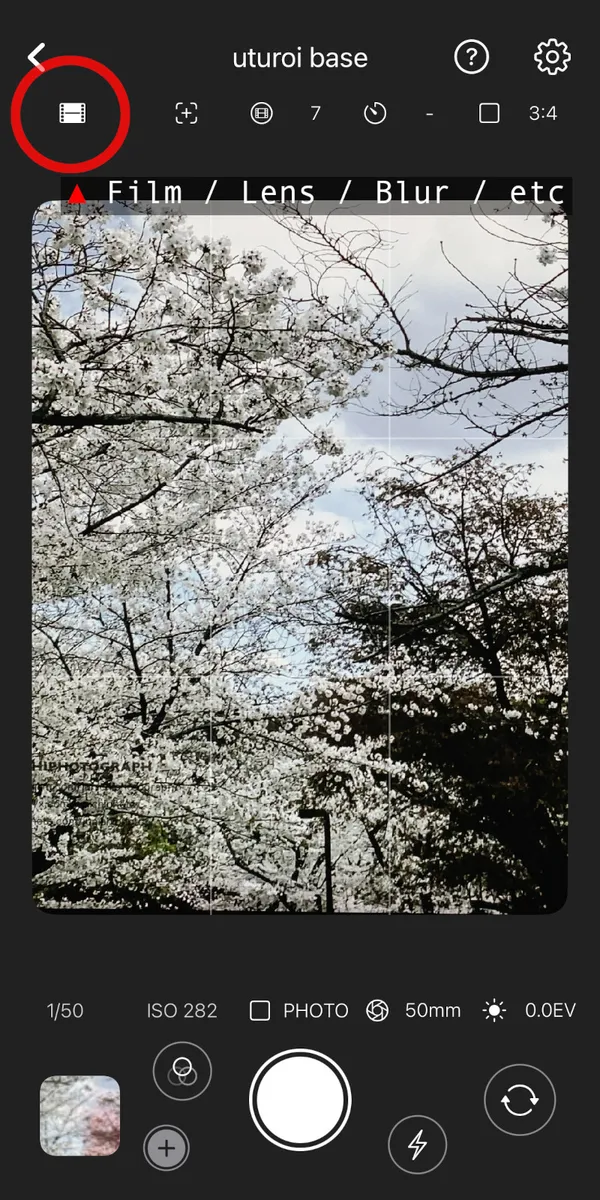
open setting view by film settings icon.
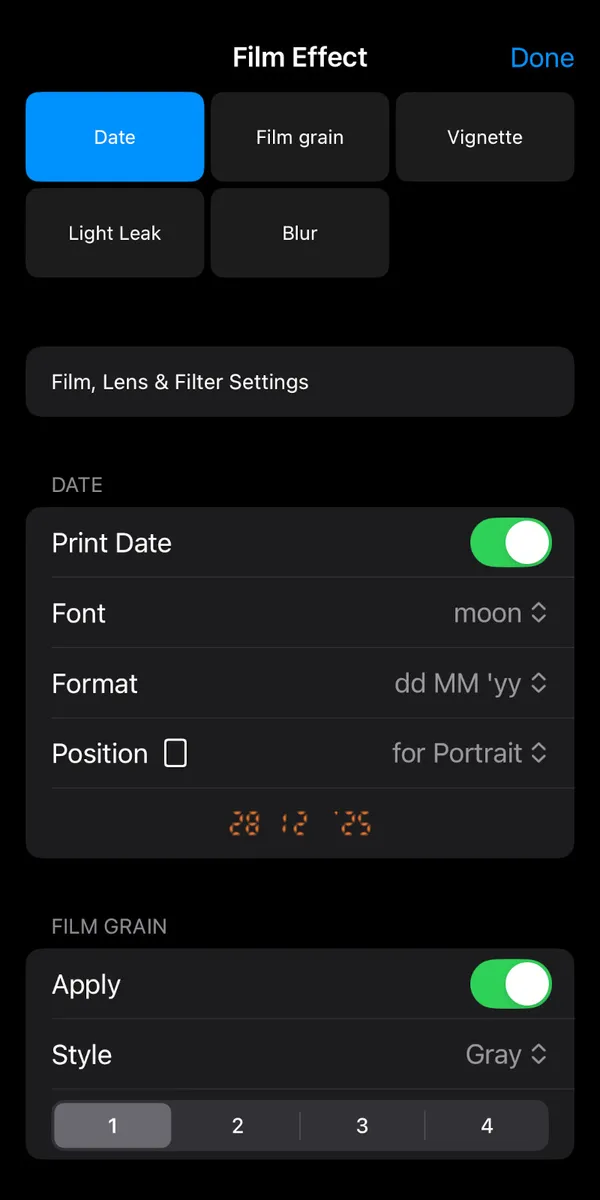
Date settings, Font, Format, Position
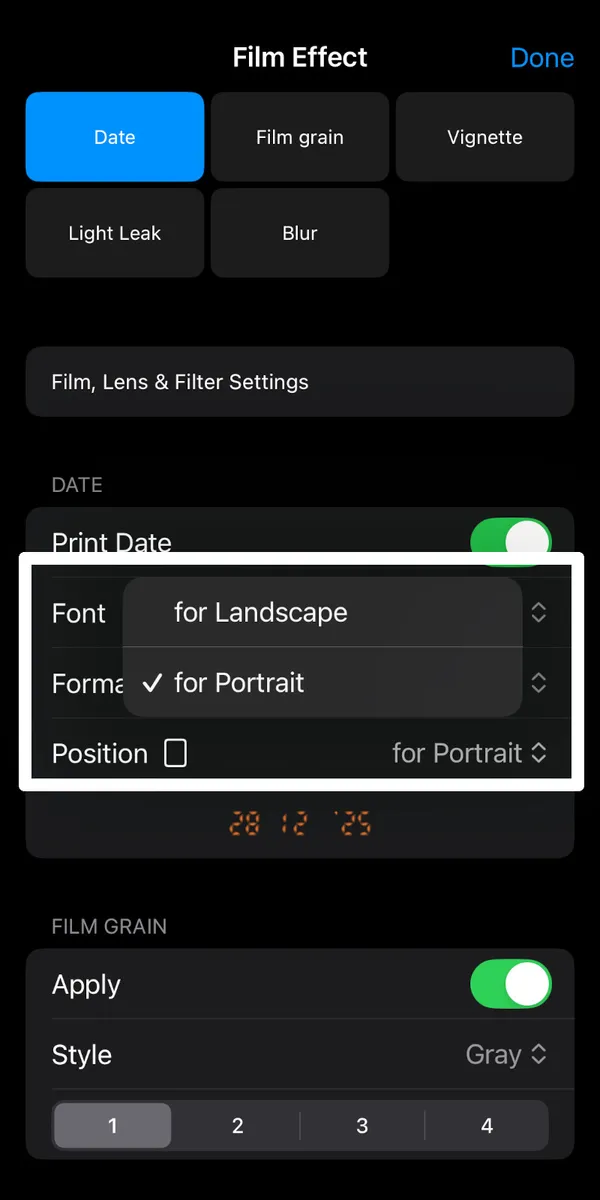
tap Position and select Portait or Landscape
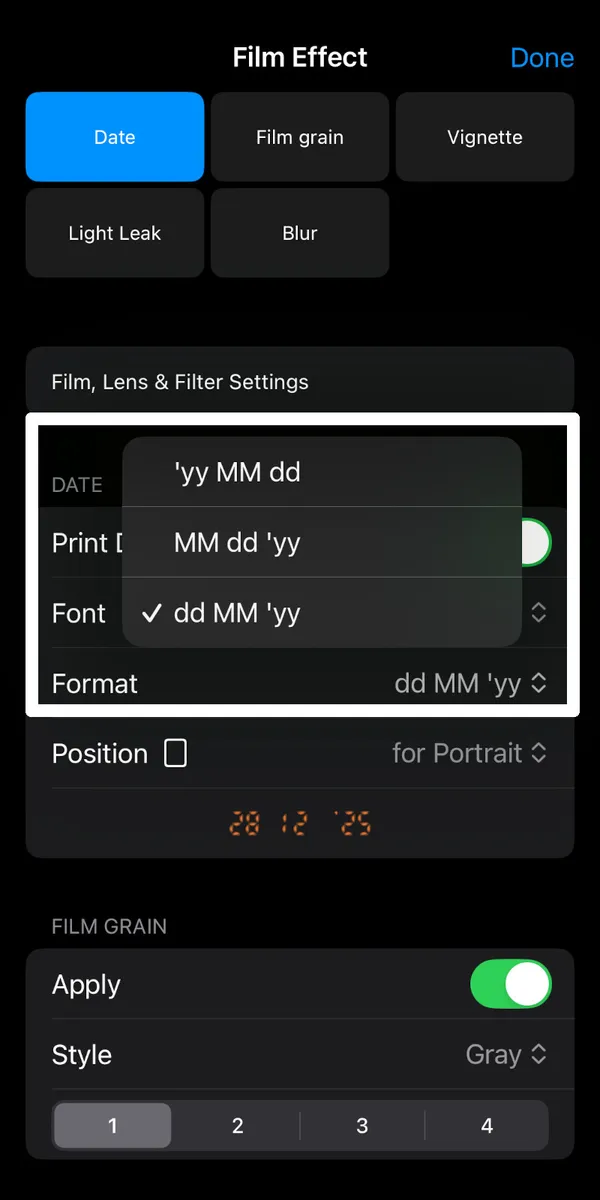
format yy MM dd, MM dd yy , dd MM yy
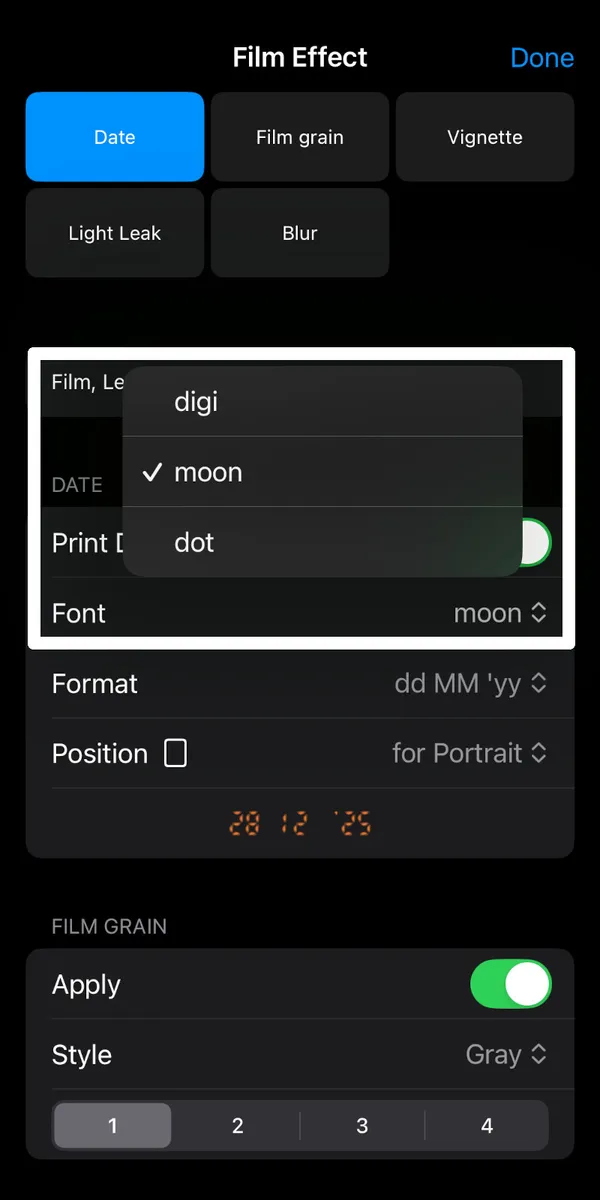
select font style
How to Switch Positions
- Tap the film settings icon on the camera screen.
- Tap position row.
- Select 'Portrait' to place the stamp at the bottom-right of vertical photos.
- Select 'Landscape' to shift the stamp for horizontal photos.
- Format style: Select date format.
- Font style : Select date Font.
Date Stamp Position - PORTRAIT
portrait position photos
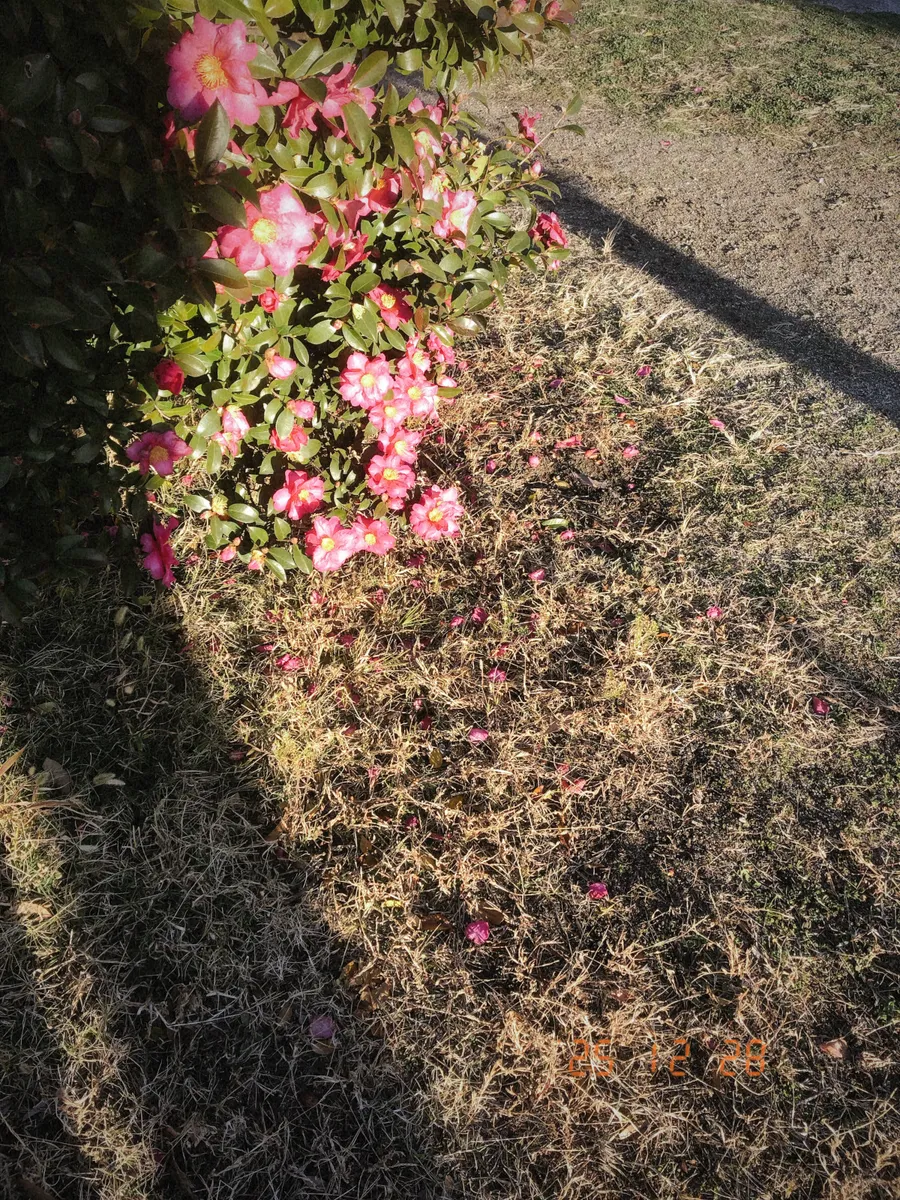
date stamp portrait 01.
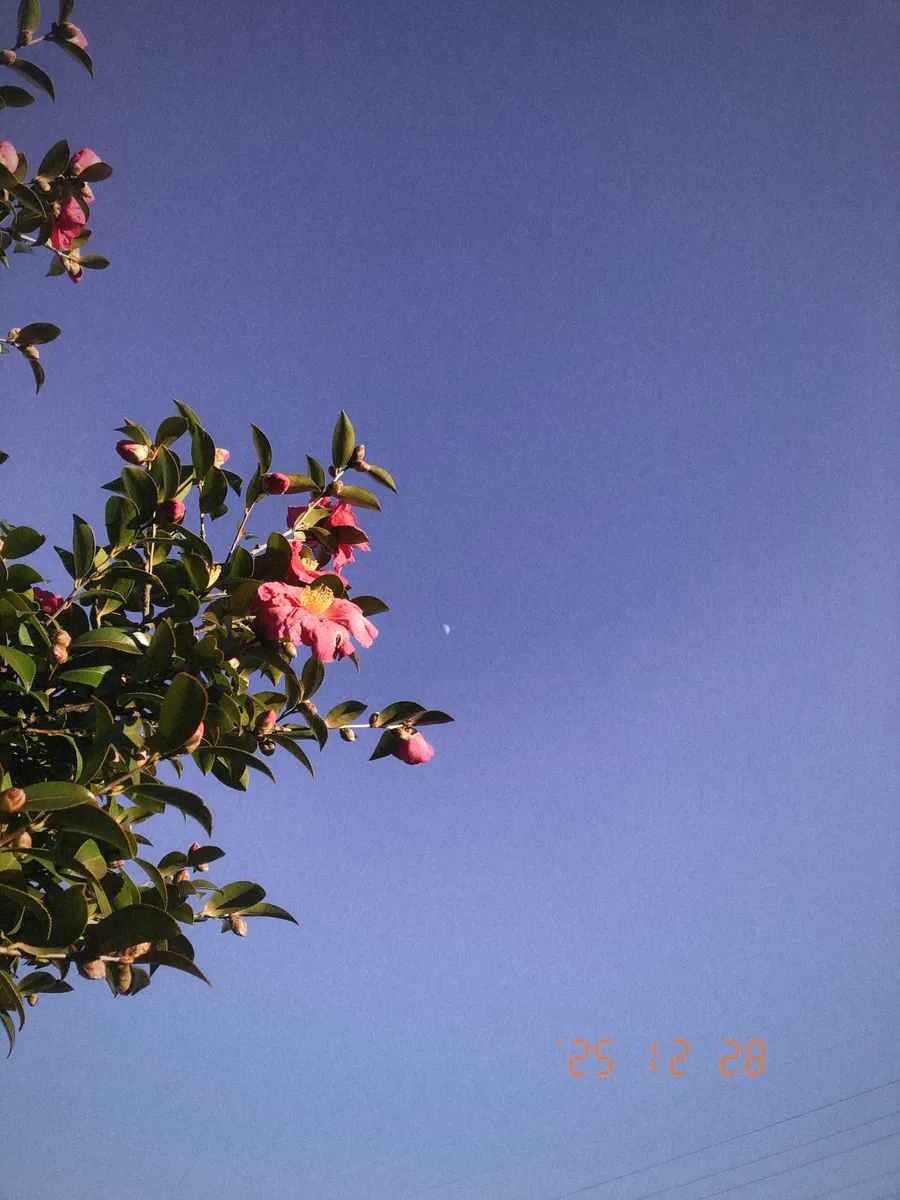
date stamp portrait 02
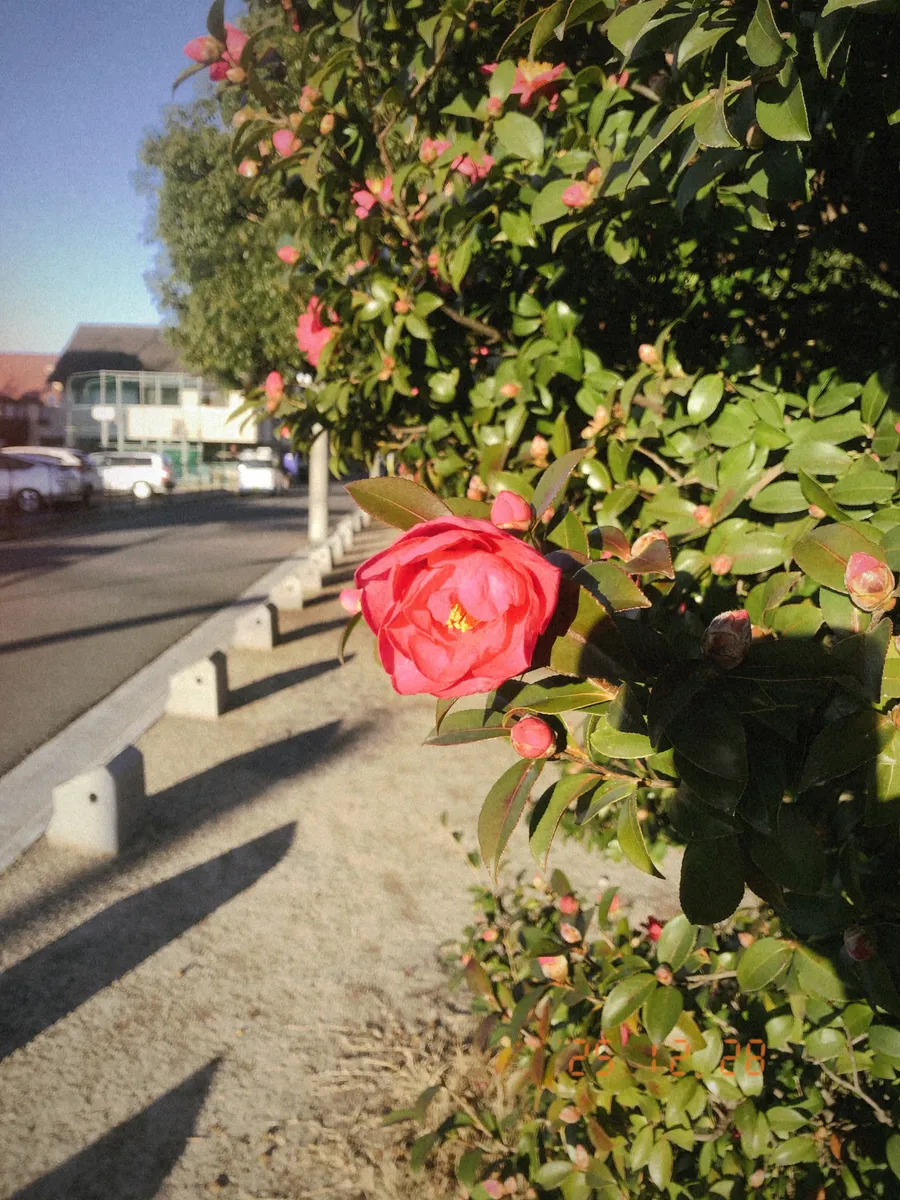
date stamp portrait 03
Date Stamp Position - LANDSCAPE
landscape position photos
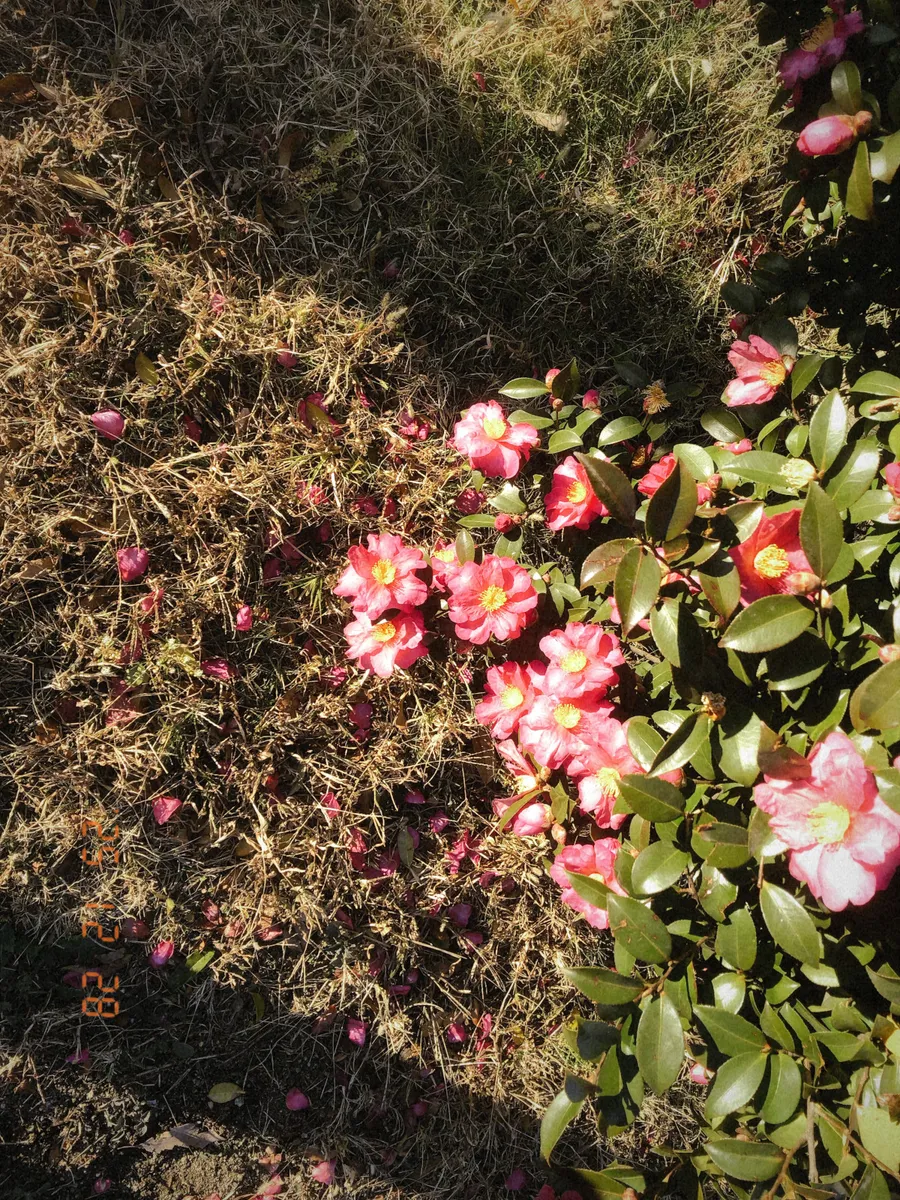
date stamp landscape 01.
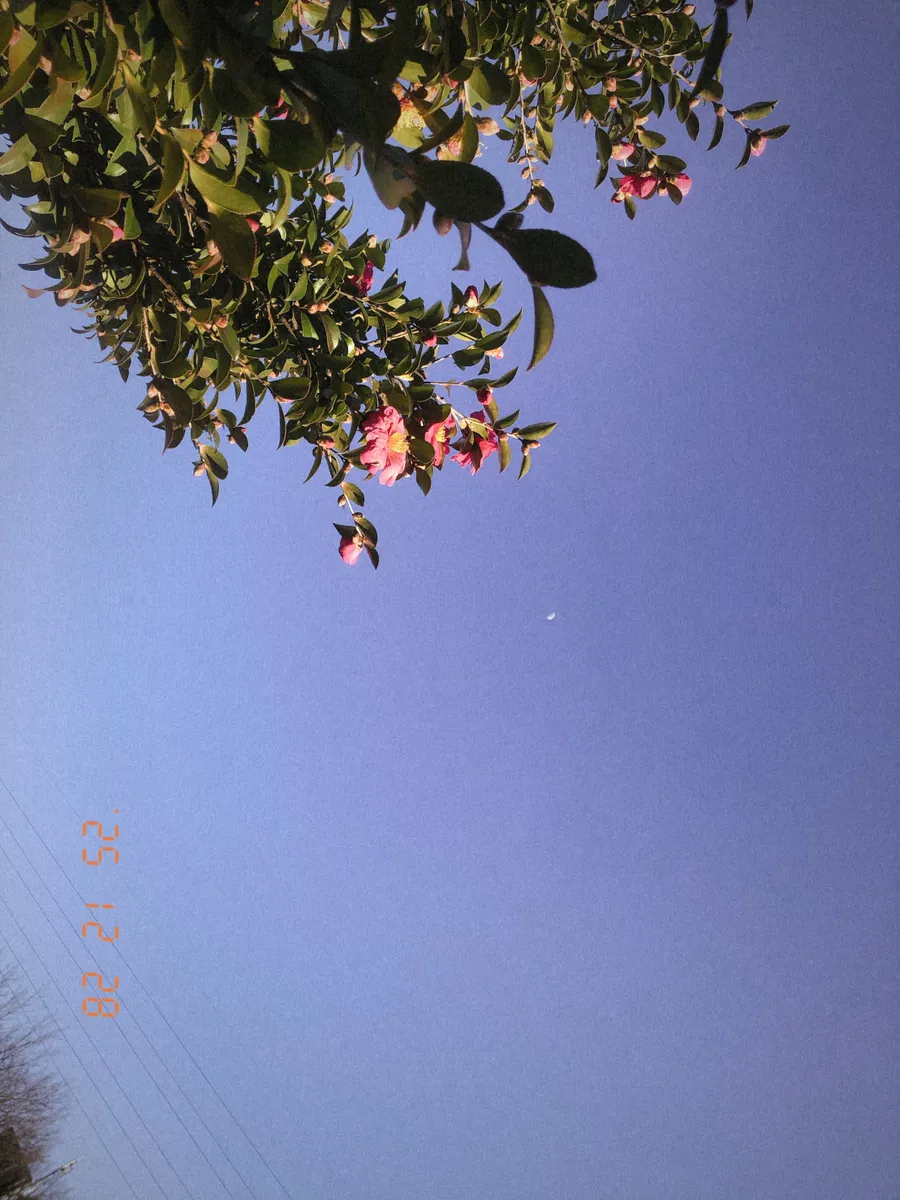
date stamp landscape 02
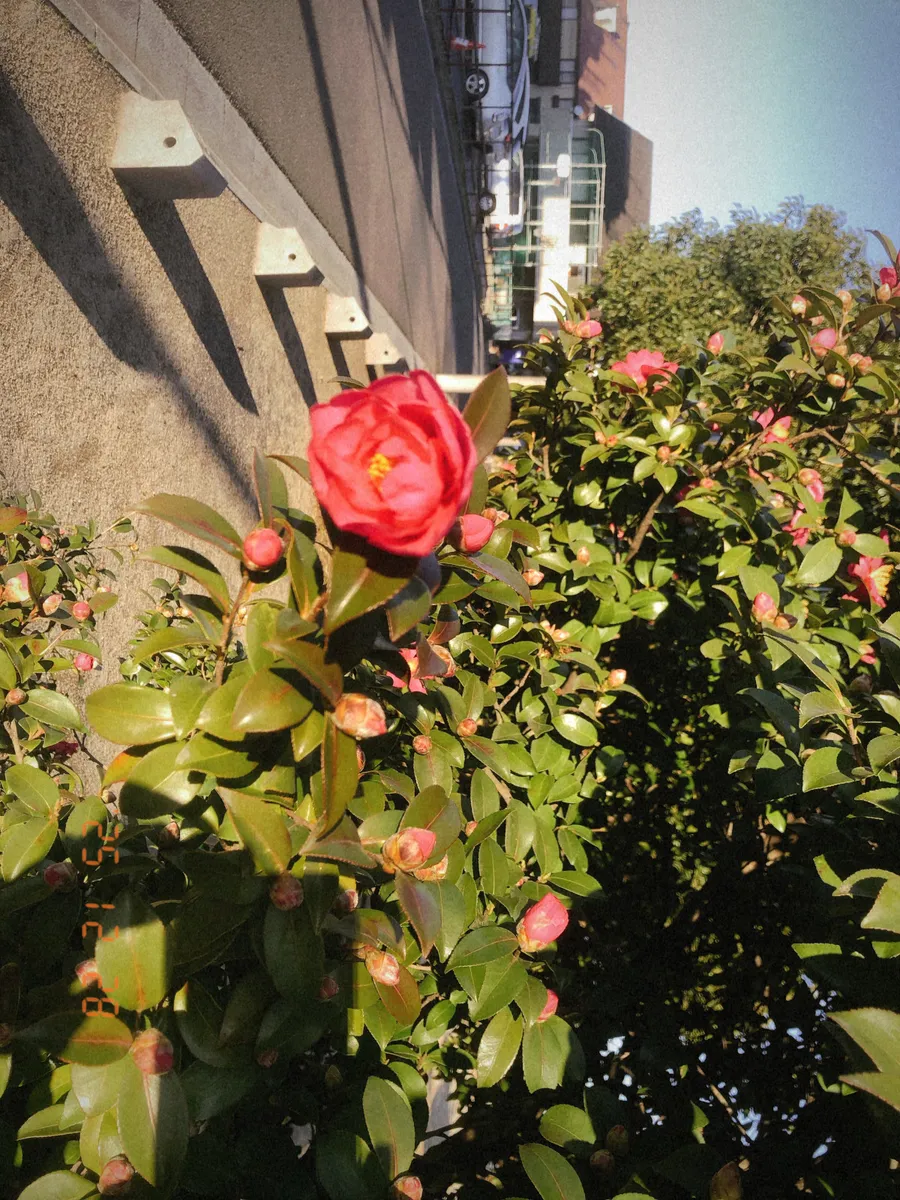
date stamp landscape 03