
Datumsstempel im Filmkamera-Stil: Perfekt für Hoch- und Querformat
Date: 2025-12-29
Datumsstempel-Einstellungen
Screenshots | Wechsel zwischen portrait ( Hochformat ) und landscape ( Querformat )
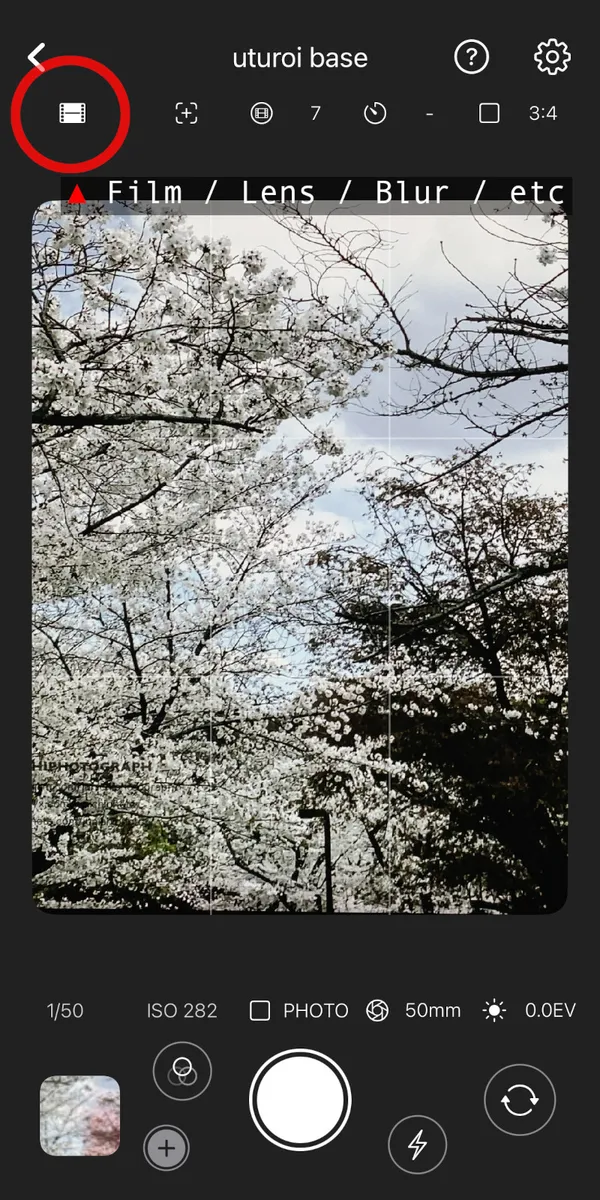
Öffnen Sie die Einstellungen über das Film-Symbol.
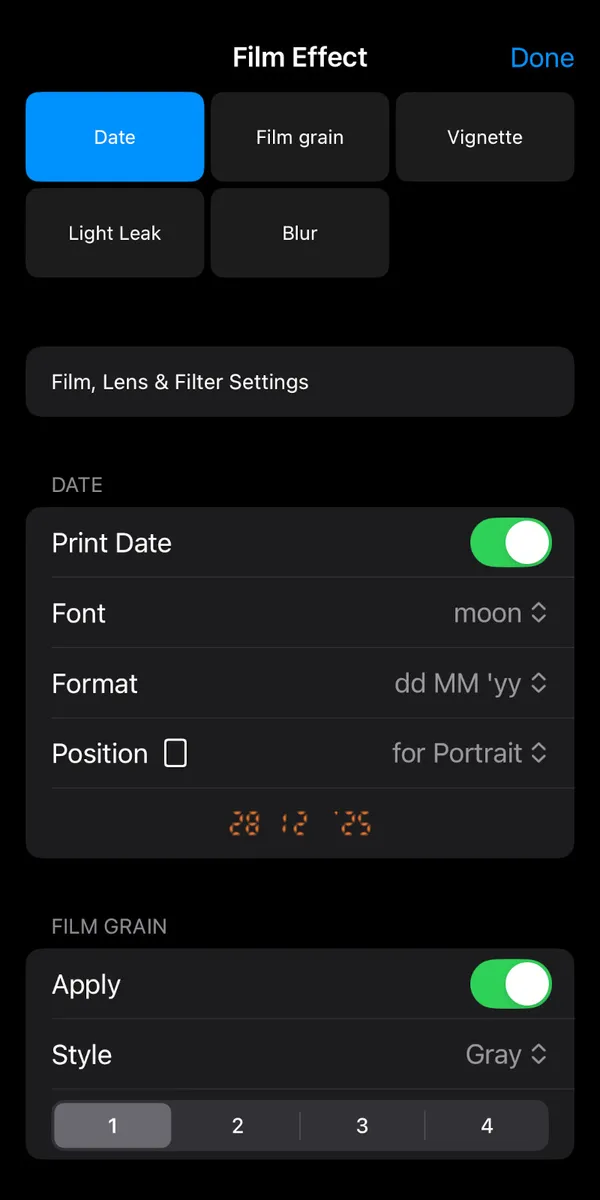
Einstellungen für Datum, Schriftart, Format und Position.
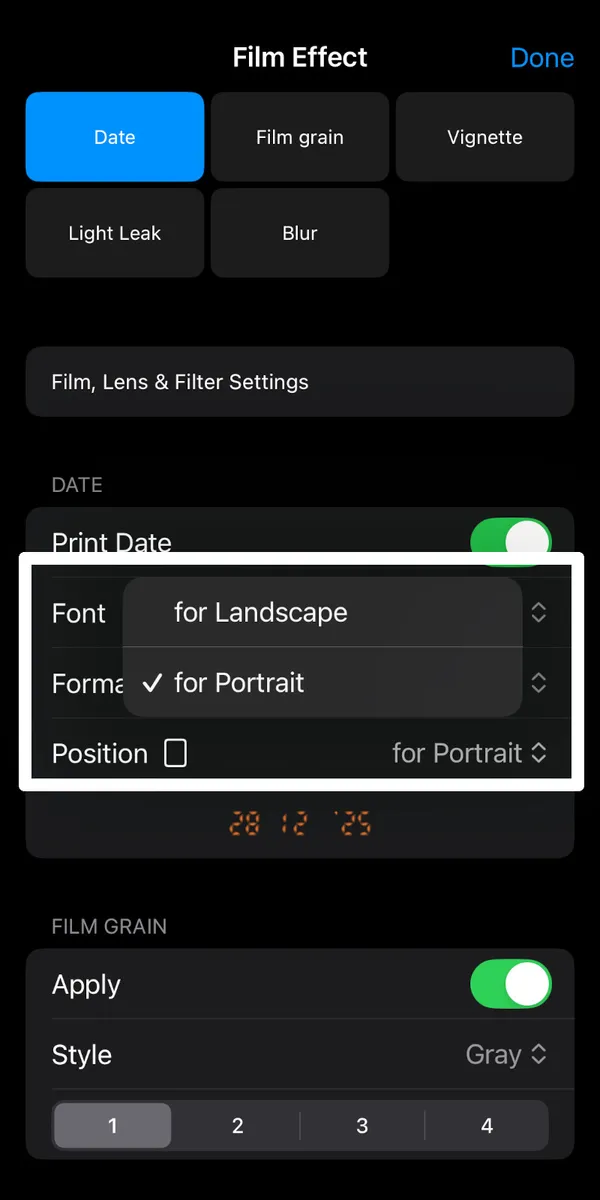
Tippen Sie auf Position und wählen Sie Portrait oder Landscape.
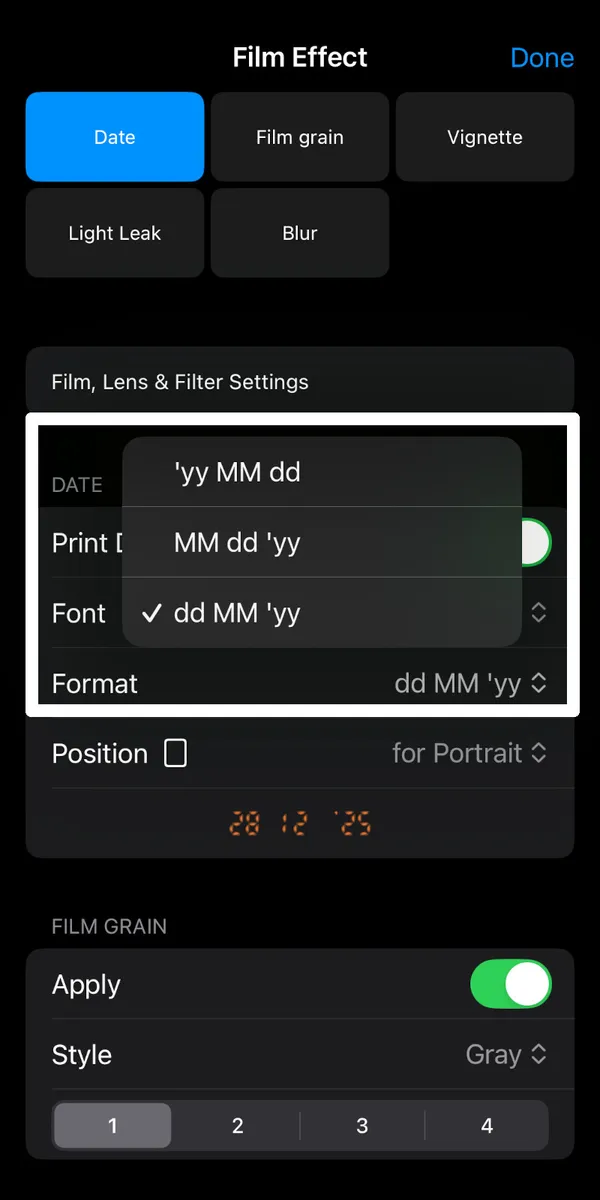
Format: yy MM dd, MM dd yy, dd MM yy.
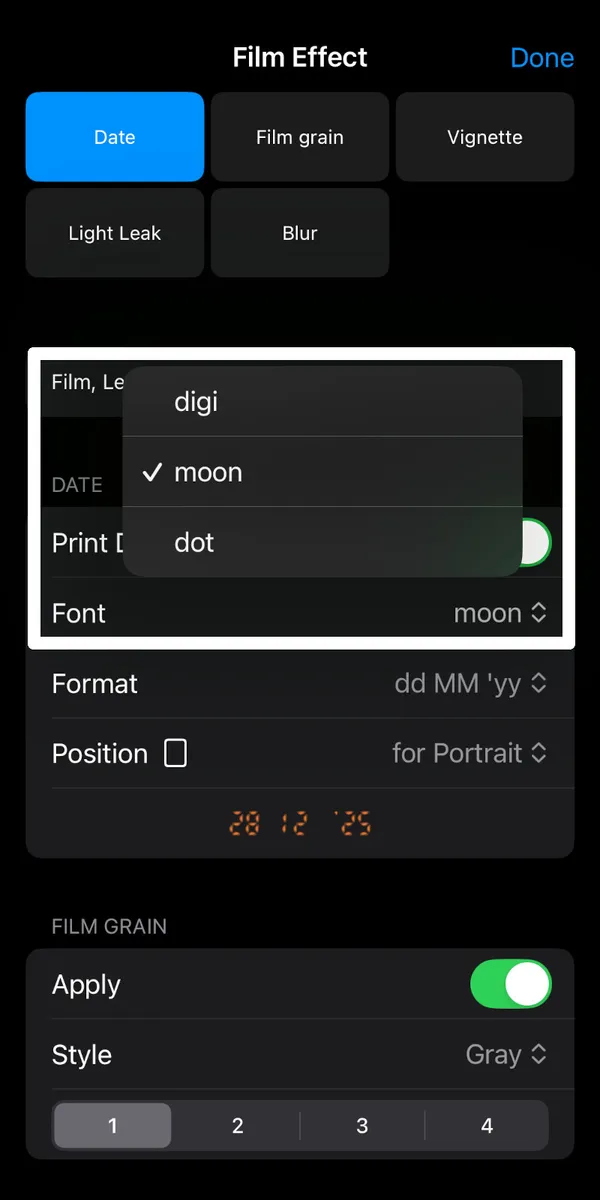
Auswahl des Schriftstils.
So ändern Sie die Position
- Tippen Sie auf das Film-Einstellungs-Symbol auf dem Kamerabildschirm.
- Tippen Sie auf die Zeile 'Position'.
- Wählen Sie 'Portrait', um den Stempel unten rechts bei vertikalen Fotos zu platzieren.
- Wählen Sie 'Landscape', um den Stempel für horizontale Fotos zu verschieben.
- Formatstil: Wählen Sie das Datumsformat.
- Schriftstil: Wählen Sie die Schriftart für das Datum.
Datumsstempel-Position - PORTRAIT
Beispiele für portrait ( Hochformat )
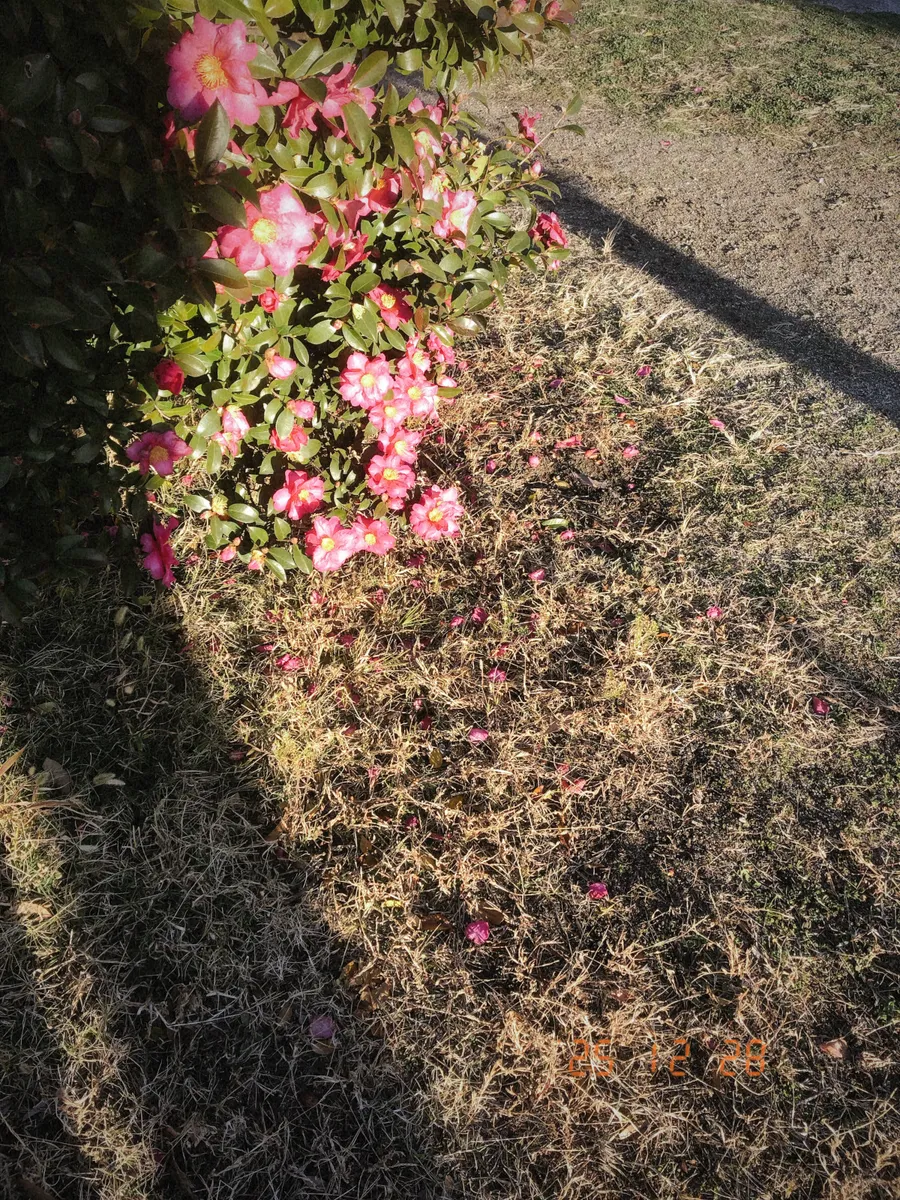
Portrait-Beispiel 01
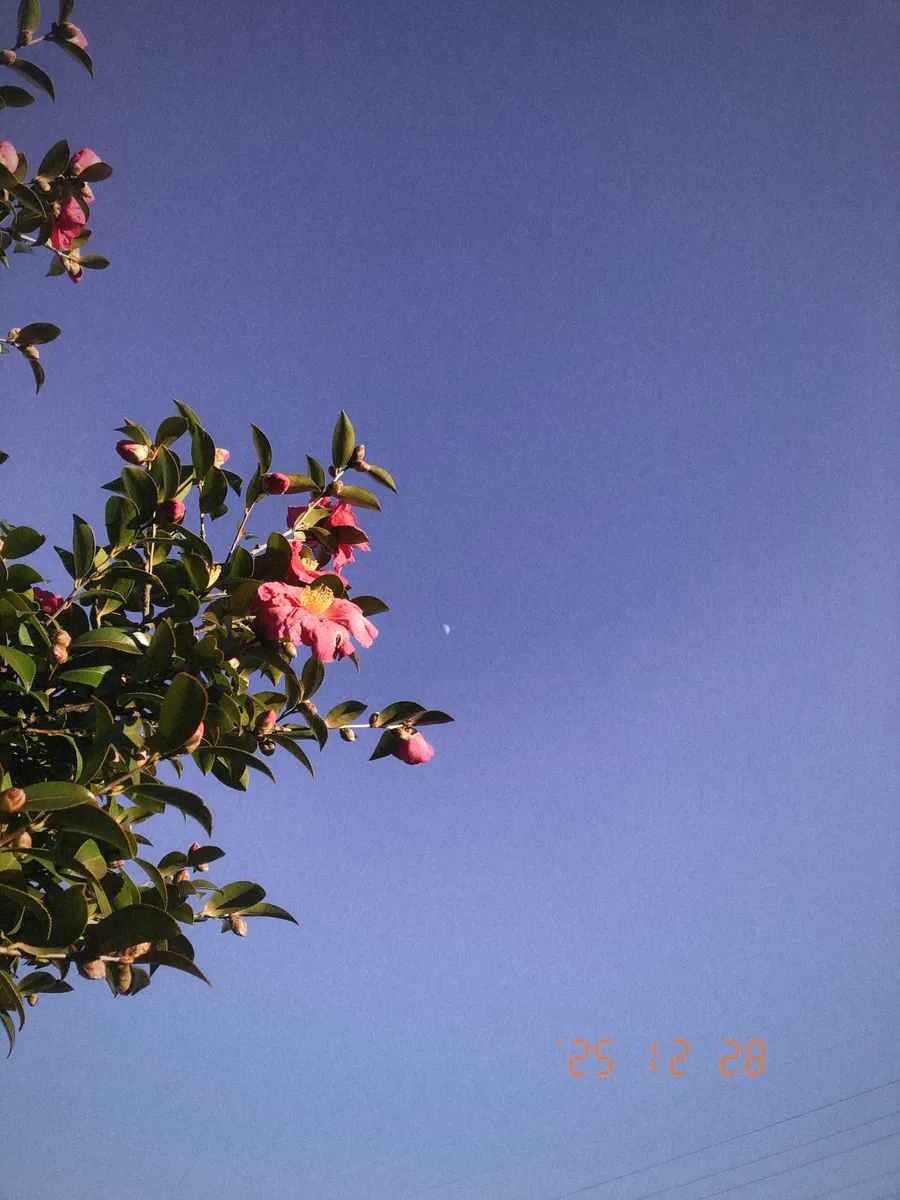
Portrait-Beispiel 02
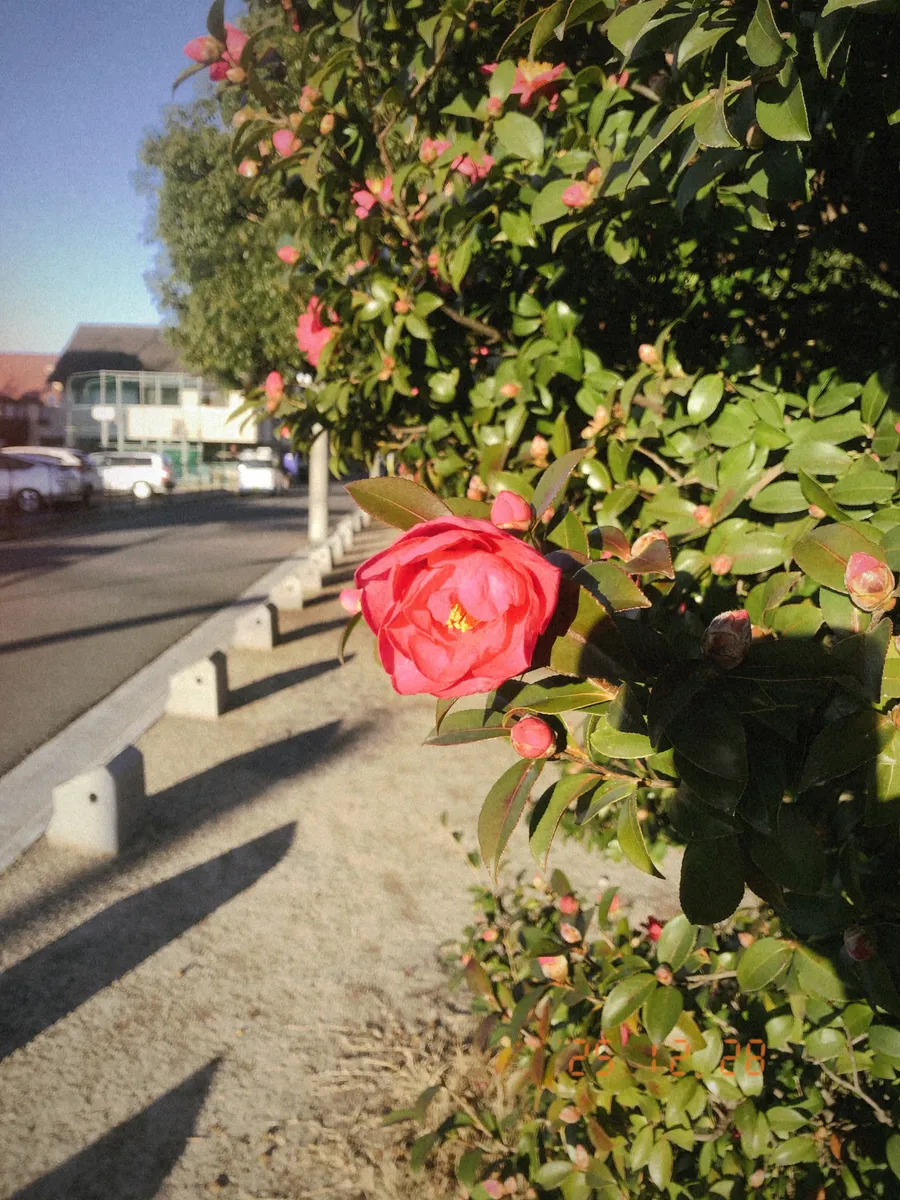
Portrait-Beispiel 03
Datumsstempel-Position - LANDSCAPE
Beispiele für landscape ( Querformat )
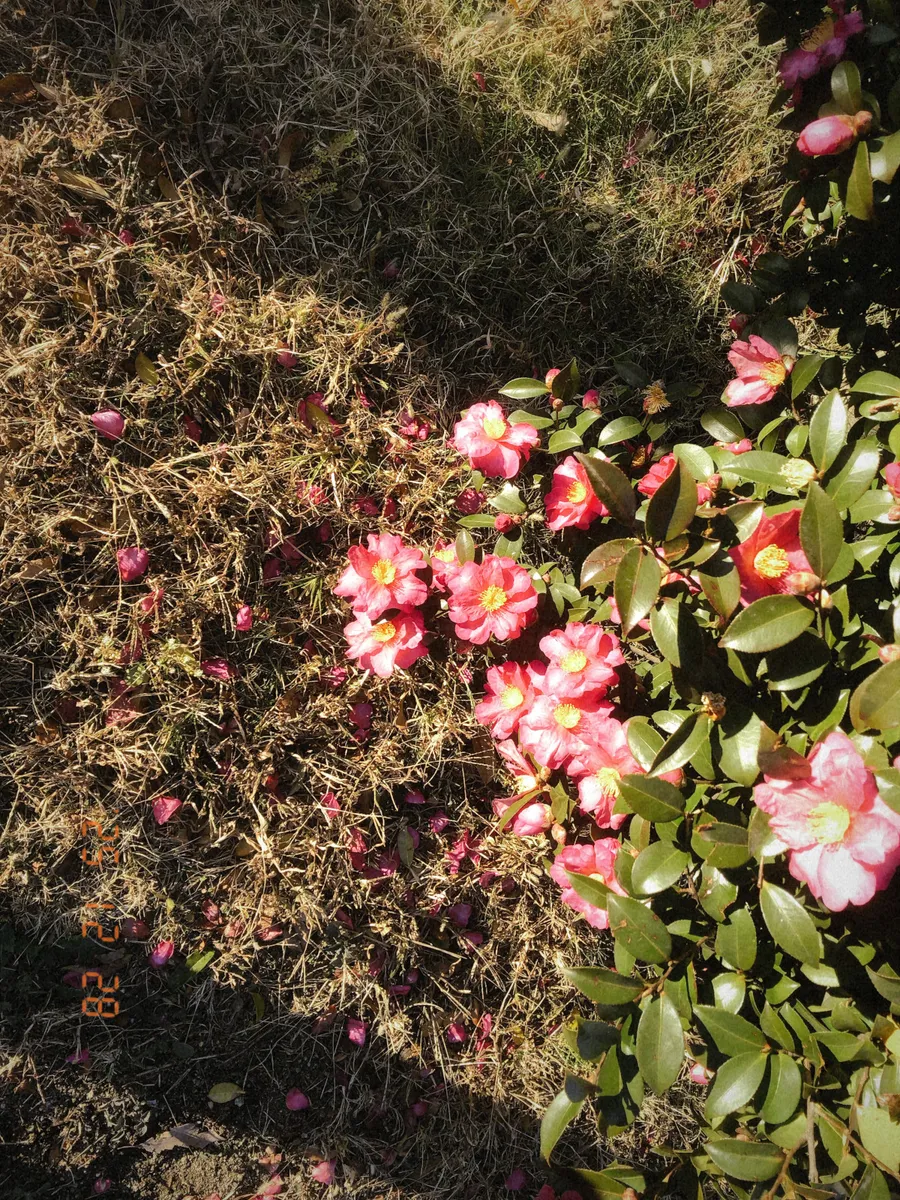
Landscape-Beispiel 01
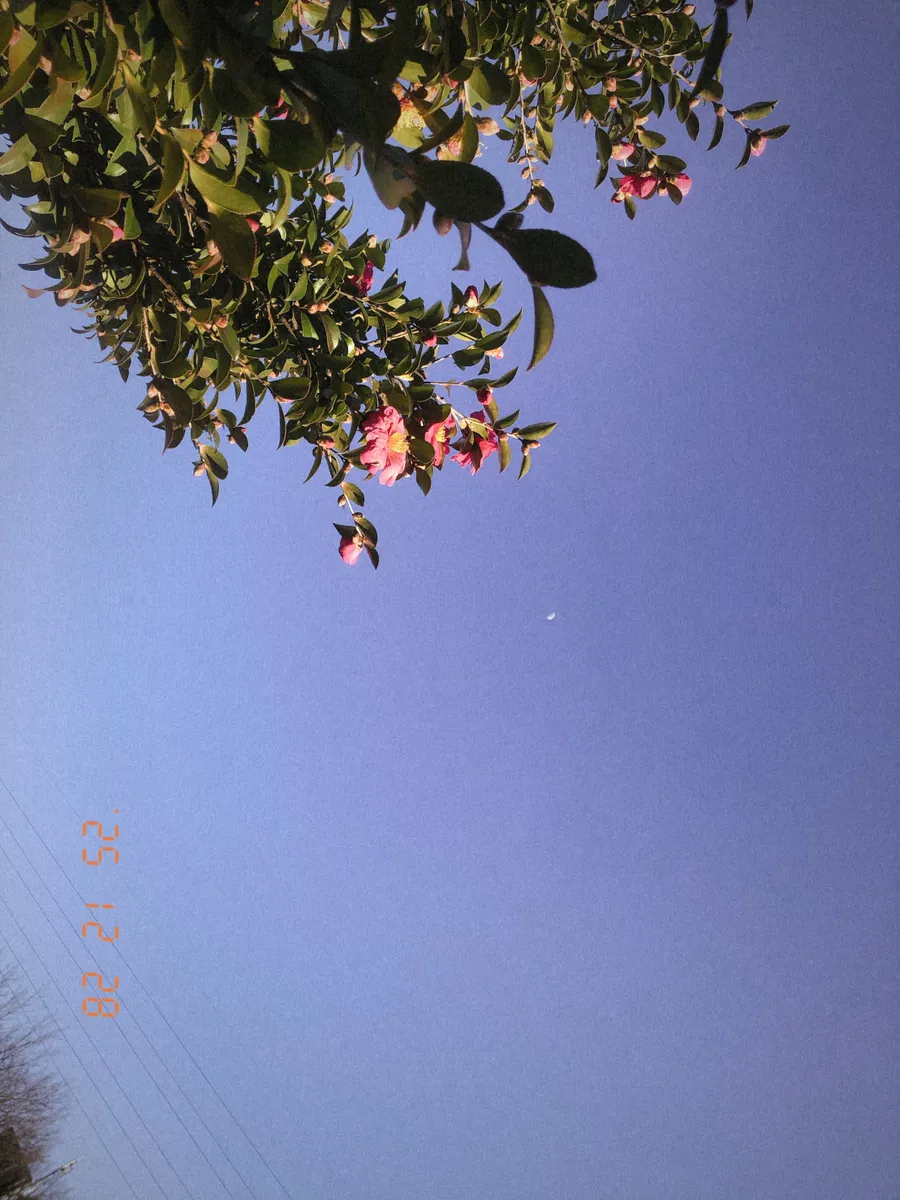
Landscape-Beispiel 02
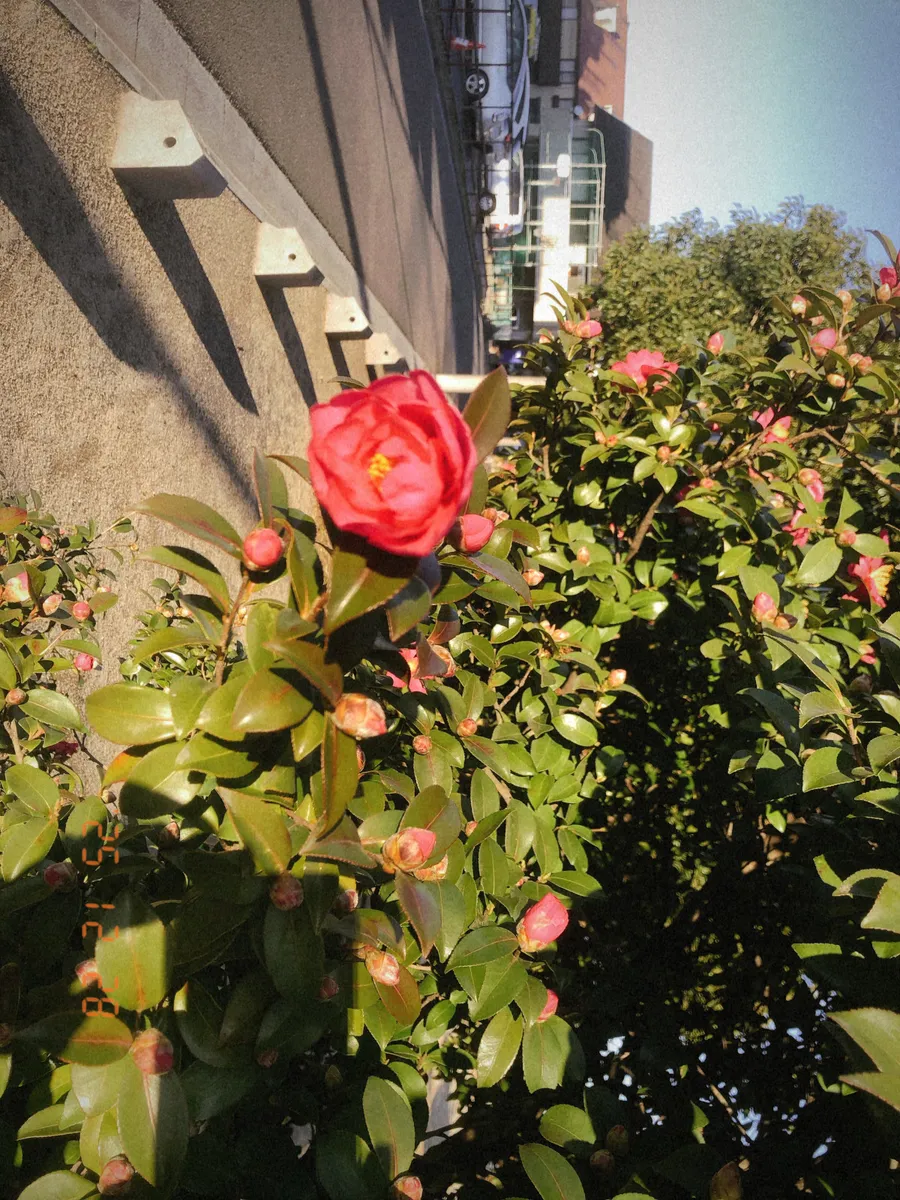
Landscape-Beispiel 03